Create Beautiful Custom Planners in Minutes
Print, Sell, or Use on Any Device
From first design to finished planner — without Canva, InDesign, or hours of manual date-typing.
Set up in 2 minutes · Cancel anytime
Watch how it works →planners with Planify Pro
Built for every kind of planner person
Whether you're crafting a planner just for yourself or building a six-figure Etsy business — Planify Pro was made for you.
A planner that's
truly yours
Forget generic store-bought planners. Planify Pro gives you the tools to design a personalized planner with your colors, your layouts, your priorities — then print and bind it at home.
Start your planner business
today
Design once, sell forever. Planify Pro's Business plan includes a commercial license so you list files directly on Etsy — no further editing, no extra software. Design it. Export it. List it.
Four things no other planner tool can do
These aren't incremental improvements. They're the reasons thousands of creators switched to Planify Pro.
7000+ Ready-Made Templates.
Don't start from scratch.
Browse a curated library covering every planner style and niche — monthly calendars, weekly spreads, habit trackers, student planners, dashboards, meal planners, budget pages, and more. Every template is fully customizable: swap colors, change fonts, reorder pages.
Drag & Drop Widgets.
Stickers, tabs, icons & more.
Add functional and decorative widgets to any page — sticky notes, habit trackers, mood boards, divider tabs, and hundreds of stickers. Just drag, drop, resize, and recolor to match your aesthetic.
One-Click Dated Planners.
Hours of work in seconds.
Select your start month, pick an end date, click one button — Planify Pro generates your entire dated planner instantly. Every month, every week, every day stamped correctly. No other platform does this.
Automatic Hyperlinking.
GoodNotes-ready on export.
Digital planners only work if the links work. Planify Pro automatically hyperlinks every tab, every section, every page — so your customers can tap around in GoodNotes or Notability just like a real app.
Design it. Export it.
Sell it. Done.
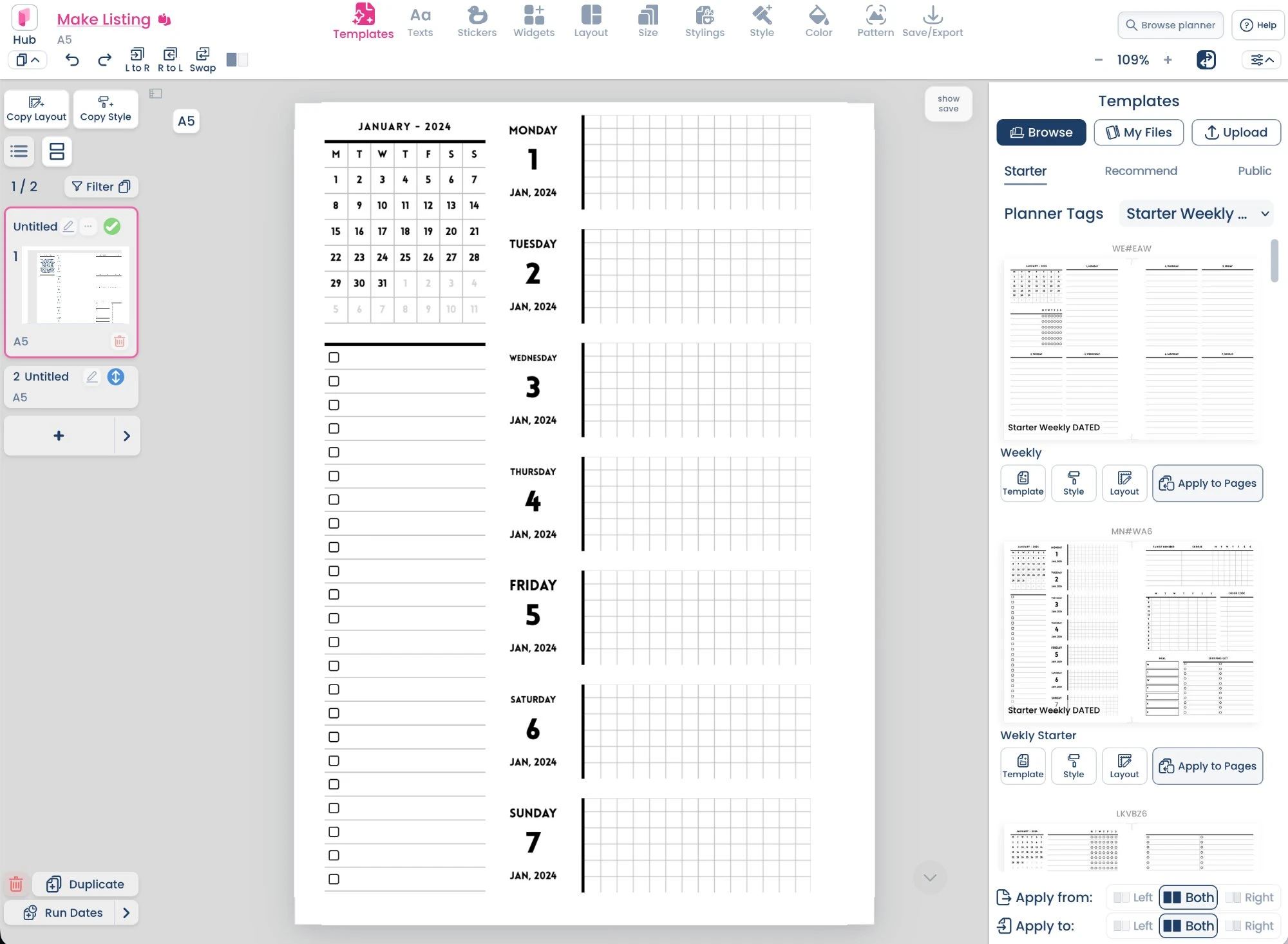
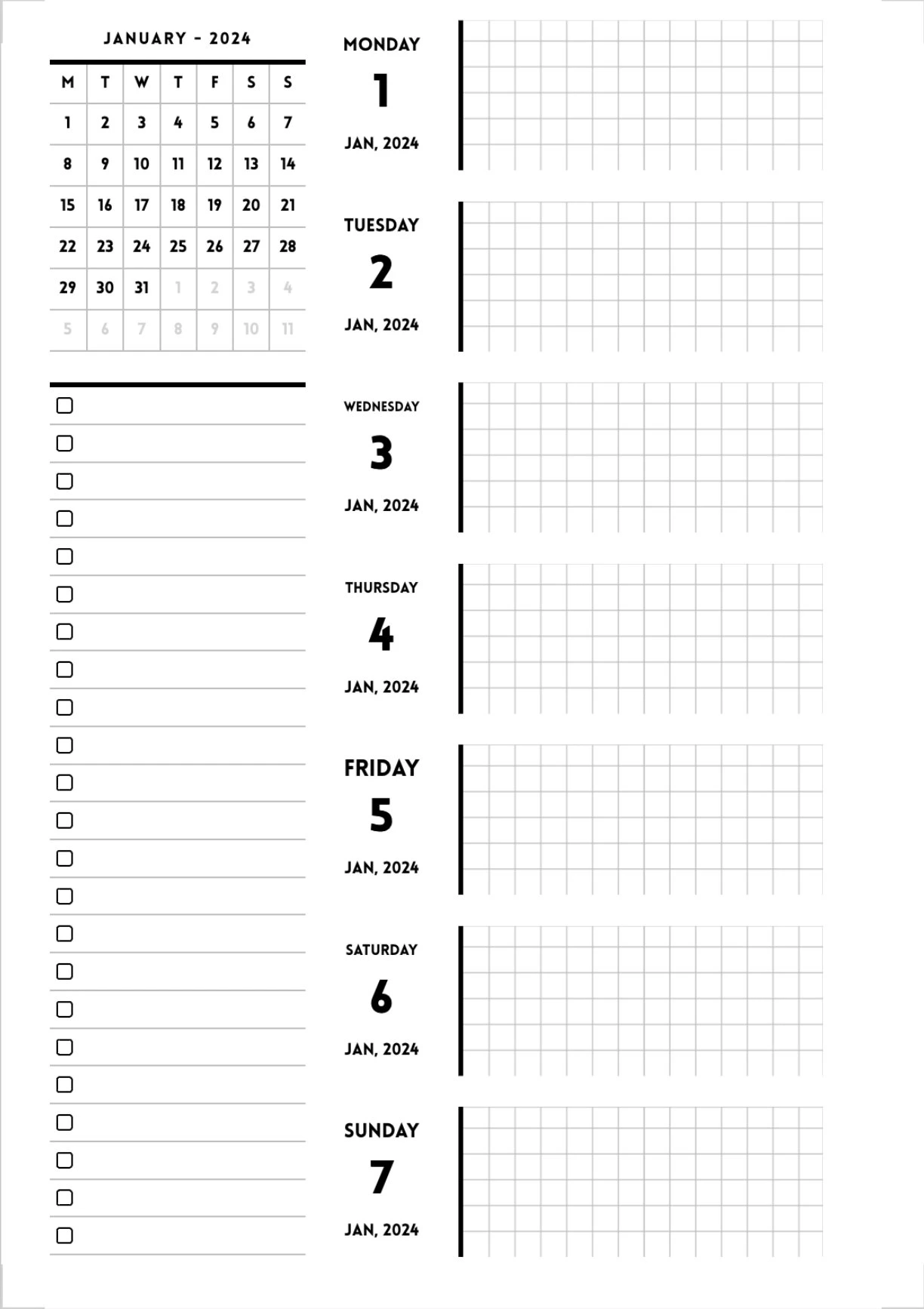
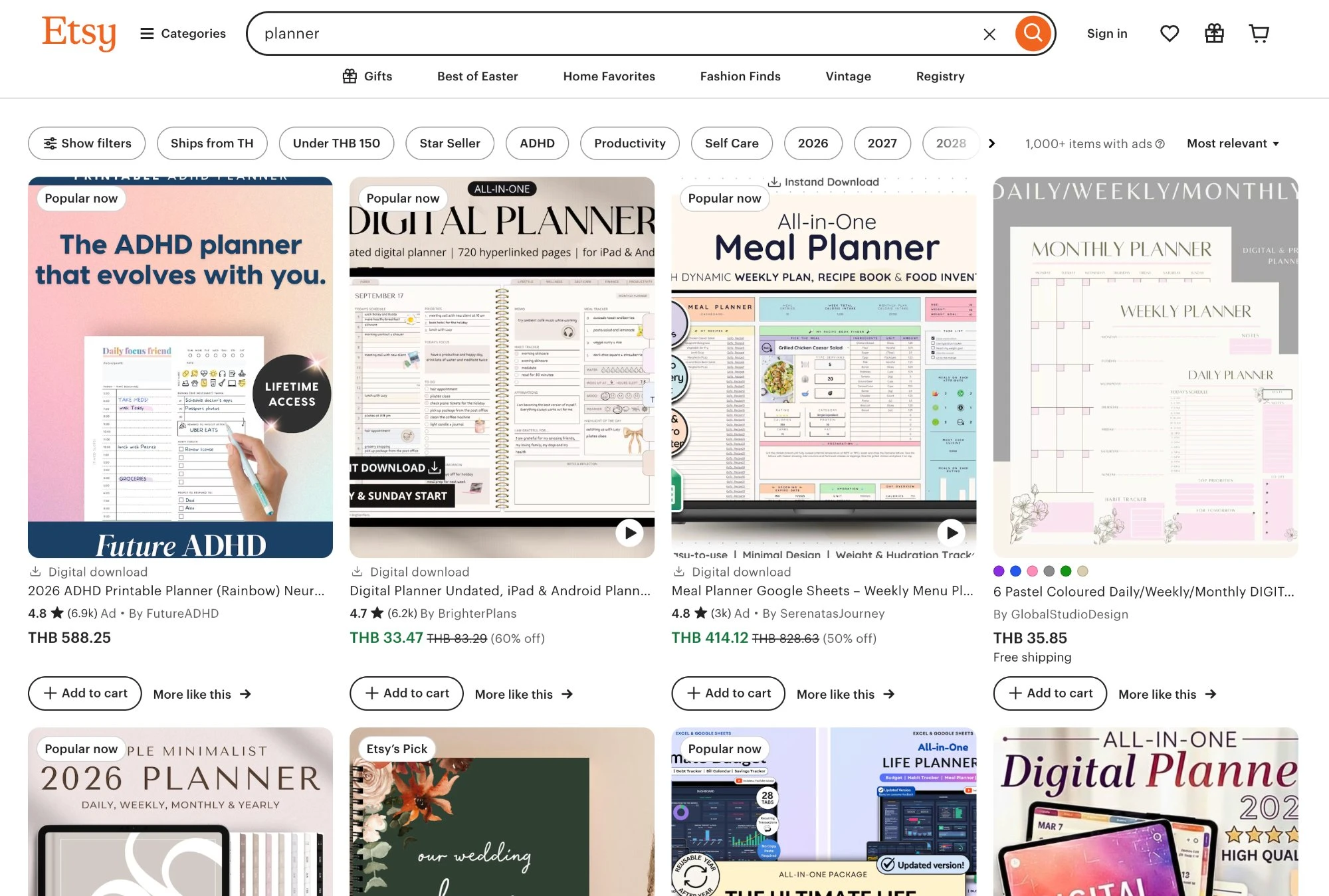

7000+ Custom Planner Templates
Start your design with professionally crafted layouts. We offer a massive library of printable planner templates and digital planner inserts spanning every niche — and every design automatically adjusts to your preferred page size.

From A4, US Letter, and Half-Letter, to custom ring-bound dimensions.
Every monthly calendar, weekly planner, and daily layout you need.
Budget planners, fitness logs, and hundreds of specialized insert pages.
Every planner style.
Beautifully designed.
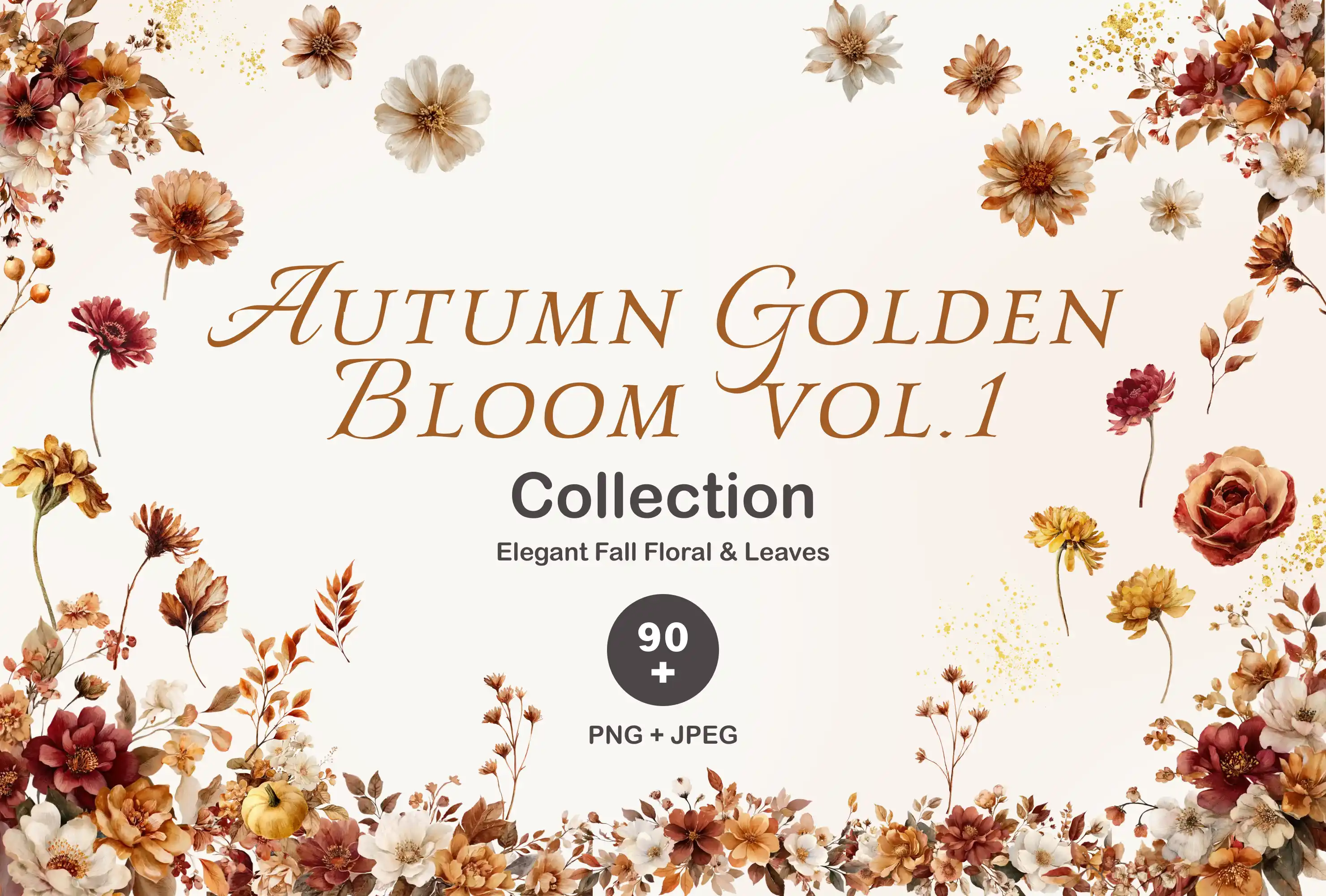
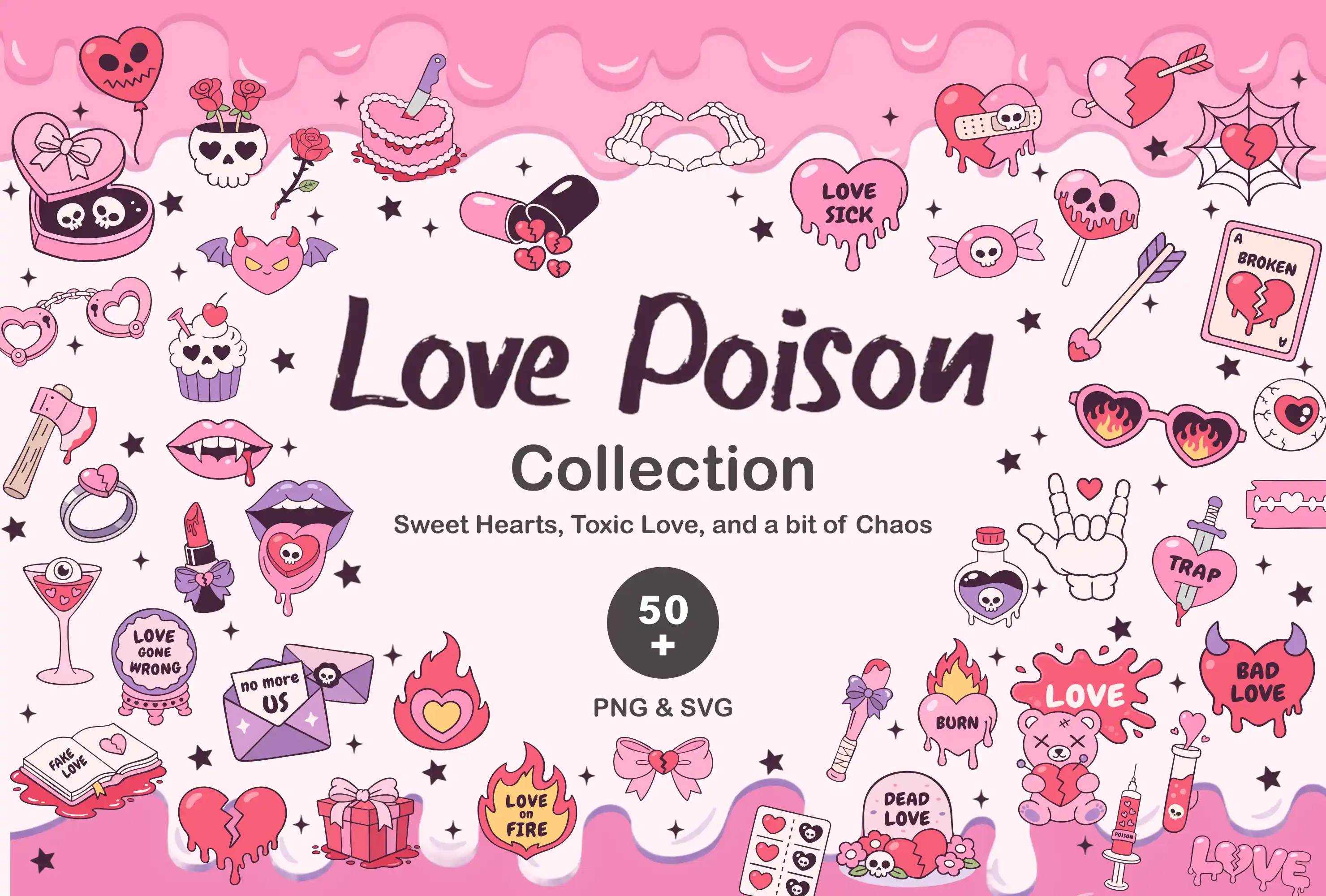
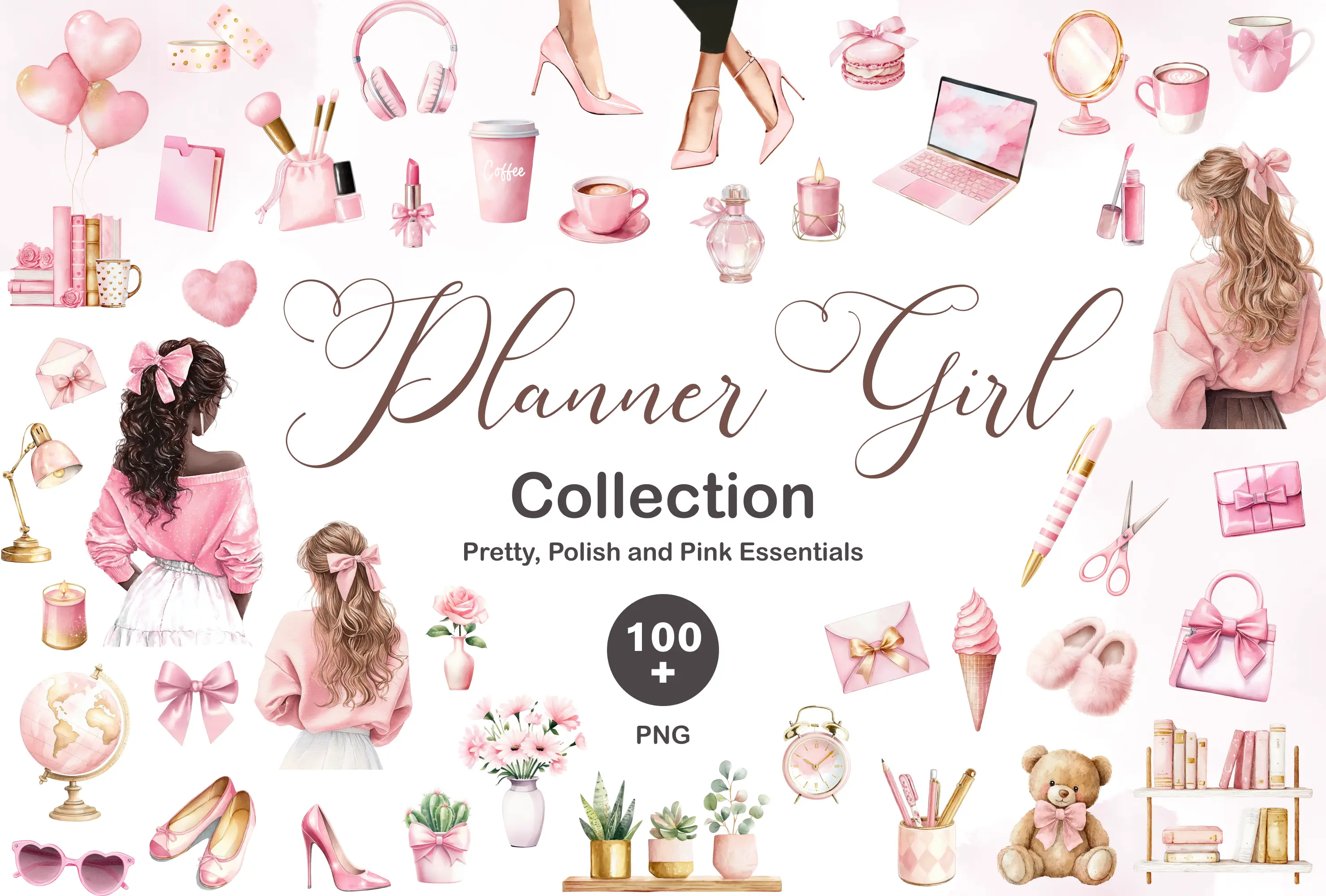
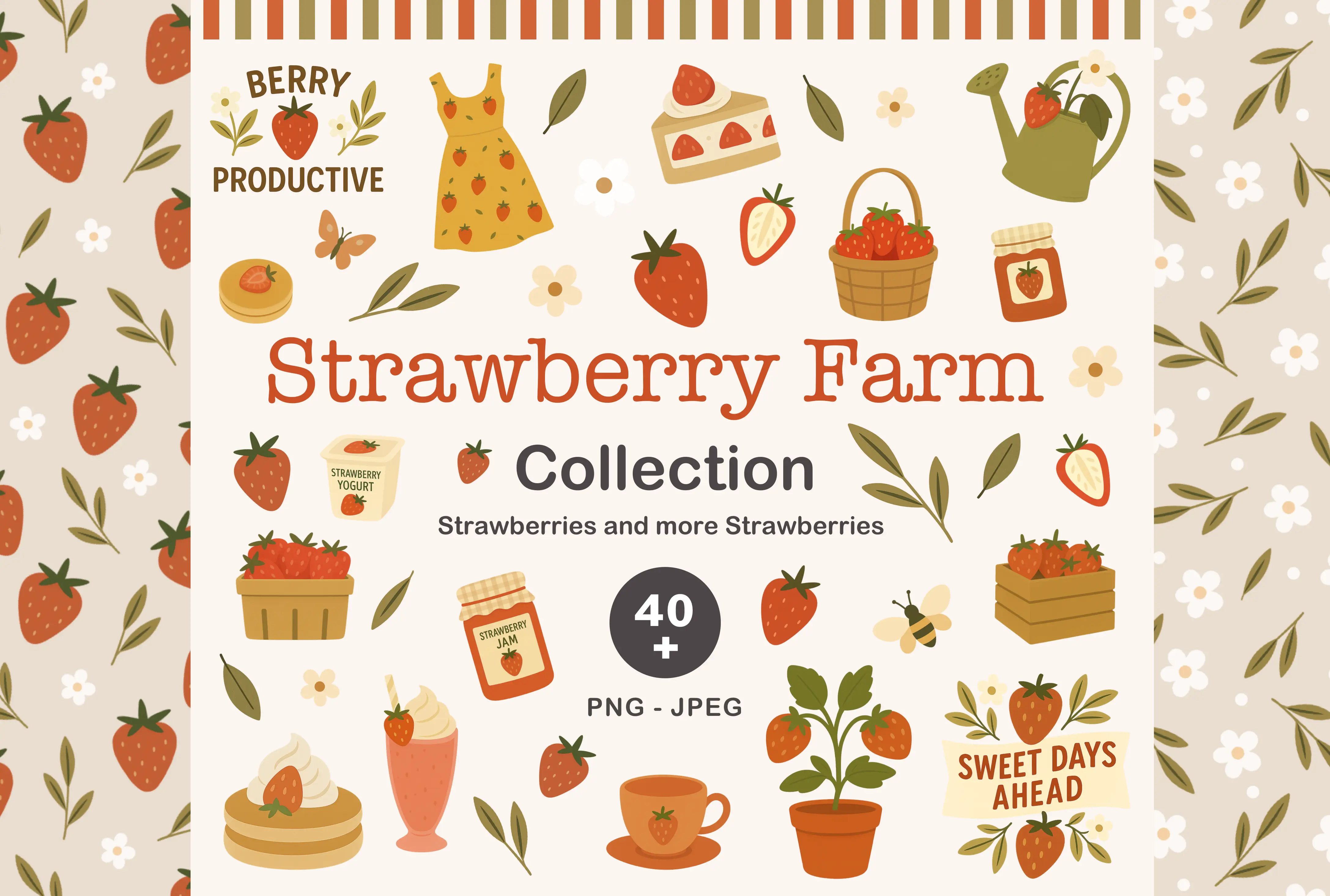
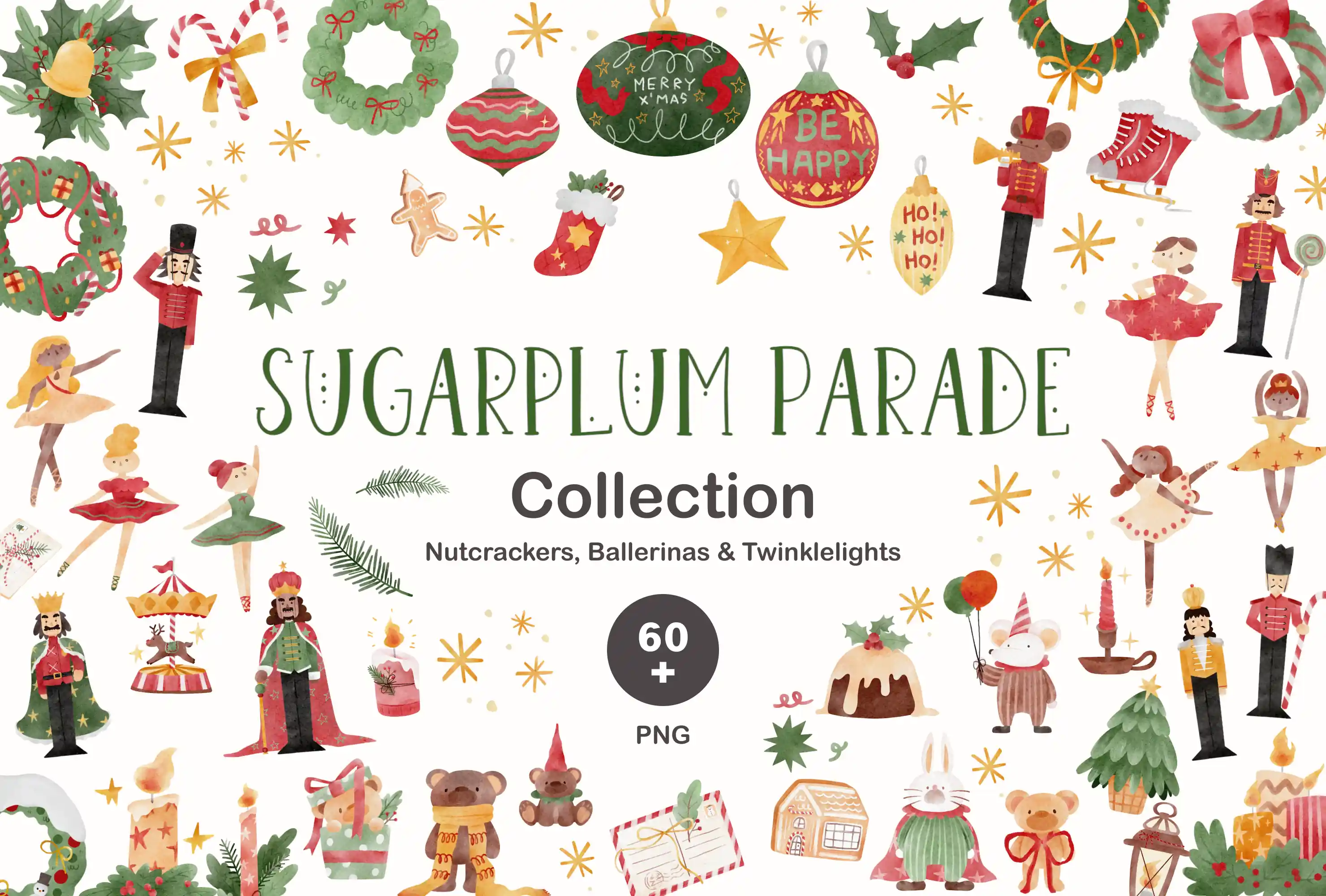
Each collection comes with dozens of coordinated templates — monthly, weekly, daily, trackers & stickers. All in one aesthetic.



Planify Pro vs. the alternatives
Canva and InDesign are great tools — just not for planners. Here's why creators switch.
| Feature | ✦ Planify Pro | Canva | PowerPoint | InDesign |
|---|---|---|---|---|
| One-click dated planner generation | Only here ✦ | ✗ | ✗ | ✗ |
| Automatic hyperlinking for digital planners | Only here ✦ | ✗ | ✗ | Manual |
| Sell-as-is commercial license | Only here ✦ | Limited | ✗ | ✗ |
| 7000+ planner-specific templates | ✓ | General | ✗ | ✗ |
| Print-ready PDF | ✓ | Pro only | Limited | ✓ |
| No design skills required | ✓ | ✓ | ✓ | ✗ |
| Built specifically for planner creators | ✓ | ✗ | ✗ | ✗ |
Our users tell us Planify Pro helps them
Common questions
Can I really sell planners I make with Planify Pro?
Absolutely. The Business plan includes a full commercial license. What you export is what you sell — upload directly to Etsy, Amazon KDP, or your own store. No extra software or reformatting needed.
What's the difference between Personal and Business?
Both plans give you full access to 7000+ templates, unlimited exports, and one-click dated planners. The Business plan adds a commercial license (so you can sell), automatic hyperlinking for digital planners, and sell-as-is export for Etsy.
Do I need design skills to use Planify Pro?
Not at all. Every template is ready to use — just pick one, customize the colors and fonts to your taste, and export. If you can use a website, you can use Planify Pro.
How does one-click dated planner generation work?
Choose your start and end dates, pick a layout, and click one button. Planify Pro generates every page with the correct dates, days, and months — including monthly covers, weekly spreads, and daily pages. What takes 4+ hours in Canva takes seconds here.
Can I cancel anytime?
Yes. There are no contracts or cancellation fees. You can cancel your subscription at any time from your account settings, and you'll keep access until the end of your billing period.
Your first planner is
10 minutes away.
Join 2,000+ creators designing planners they love — and Etsy sellers who've built businesses with Planify Pro.
Personal or Business plan · Cancel anytime · Commercial license on Business plan