Do you have a knack for designing beautiful and functional planners? Are you eager to share your creations with the world and earn some extra cash? If so, Amazon KDP (Kindle Direct Publishing) is a strong place to start.
Amazon KDP is a print-on-demand platform that makes selling planners online straightforward. It's like having your own personal publishing house and fulfillment center, all rolled into one. You create the planner designs, and Amazon handles the rest — printing, storing, shipping, and even customer service.
Amazon KDP is a powerful complement to other selling platforms like Etsy and Shopify. Many successful sellers use multiple platforms as part of their planner business strategy.
Why Choose Amazon KDP?
- Passive income: Once your planners are uploaded and listed, they can generate income while you focus on creating new designs.
- Global reach: Amazon has a massive global audience, giving you access to millions of potential customers worldwide.
- Print-on-demand: No printing, storing, or shipping headaches. Amazon's print-on-demand service takes care of the logistics. Learn more about startup costs.
- Easy setup: Creating an Amazon KDP account is straightforward, and Amazon provides clear instructions and templates.
- Creative control: You have complete control over your designs. Check out 50+ planner template ideas for inspiration.
Ready to start selling planners on Amazon KDP? Here's a breakdown of how to do it.
1. Design planners people want
Before you can sell on Amazon KDP, you need planner designs that people will love — ones that not only look good but genuinely help people achieve their goals.
- Offer variety: Daily planners for detailed scheduling, weekly planners for a broader overview, monthly planners for big-picture planning.
- Niche down: Budget trackers, fitness journals, gratitude logs, travel planners, recipe organizers. Catering to specific interests attracts a loyal following. Learn about selling planners in niche markets.
- Design with intention: Ensure your planners are not only visually appealing but also functional and easy to use — clear headings, ample writing space, intuitive navigation.
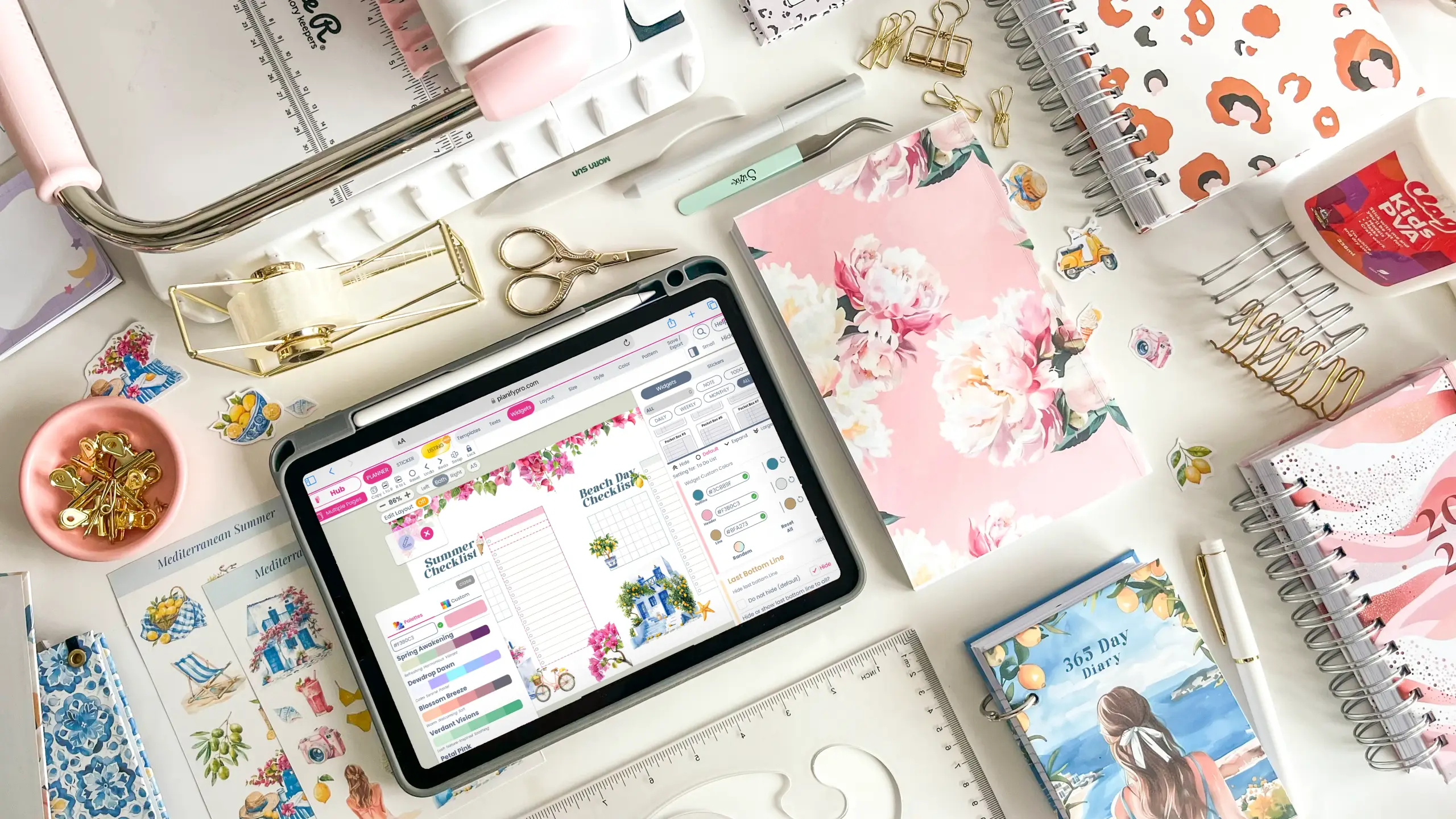
Planify Pro helps you create customizable planner layouts with an intuitive interface and a wide range of templates. Browse easy templates that sell well.
2. Format for KDP
Once your designs are ready, it's time to tackle the technical side. Amazon provides clear guidelines and templates to ensure your planners print correctly.
- Page size: Amazon KDP offers various trim sizes. Popular options include 6×9 inches, 8×10 inches, and A4.
- Bleed areas: The extra space around the edges that gets trimmed during printing. Ensure design elements extend into the bleed area to avoid white borders. Planify Pro offers sizes where bleed is included.
- Margins: Set appropriate margins so text and design elements aren't too close to the edge.
- Cover design: Your cover is the first thing customers see. Ensure it's high-resolution, eye-catching, and accurately represents your planner. Learn about building your brand.
3. Create an Amazon KDP account
Head over to kdp.amazon.com and click "Sign Up." You'll be guided through a straightforward process that involves providing basic information, such as your name, email address, and bank account details for royalty payments.
If you already have an Amazon account, you can use the same login credentials. Once your account is set up, take time to familiarise yourself with the dashboard — explore "Bookshelf," "Reports," and "Community" to get a feel for the platform.
4. Upload your planner files
Amazon KDP provides clear instructions and templates for the upload process. Ensure your files are in the correct format (PDF is usually preferred) and meet Amazon's quality standards:
- Suitable resolution: Sharp, clear images. Blurry or pixelated images detract from your planner's professionalism.
- Correct formatting: Double-check page size, bleed areas, and margins against Amazon's guidelines.
5. Choose the right keywords
Keywords help customers find your planner among millions of products. Choosing well increases visibility and attracts more buyers.
- Think like your customer: What would you type into the search bar? Brainstorm both general terms like "planner" and specific terms related to your theme and audience.
- Use research tools: Amazon offers a keyword tool called Sonar. Third-party tools like Helium 10 or MerchantWords give more in-depth data.
- Target long-tail keywords: Instead of just "planner," try "daily planner for women" or "weekly planner with habit tracker."
- Place them strategically: Include your most important keywords in the title, subtitle, and bullet points, and use them naturally in your description and backend keywords.
6. Set your price
Pricing strategically is essential — a balance between competitive pricing and a fair return.
- Market research: Look at what other planners in your niche sell for. This gives you a benchmark.
- Cost analysis: Calculate design time, software subscriptions, and other expenses. Review our guide on startup costs.
- Value proposition: Special features, unique design, or a specific niche can justify a higher price point.
- Competitive landscape: If many similar products exist, you may need to price competitively to attract buyers.
Experiment with introductory pricing, discounts, or bundles, and adjust over time based on sales performance and customer feedback.
7. Promote your planners
Don't just wait for customers to stumble upon your listing. Take an active role in promoting it.
- Social media: Share on Instagram, Pinterest, and Facebook with eye-catching visuals and relevant hashtags. See our Instagram Reels tips.
- Website and blog: Feature your planner and link to your Amazon listing. Write posts or make videos showcasing its features.
- Email marketing: Send an email newsletter announcing your new planner.
- Amazon Ads: A cost-effective way to increase visibility. Also explore free marketing ideas.
- Collaborate with influencers: Partner with bloggers in your niche to reach a new audience.
The bottom line
Amazon KDP is a strong platform for turning planner design into income: passive earnings once listed, a global audience, and no printing or shipping to manage.
Amazon KDP works well alongside other platforms like Etsy and Shopify. Want to avoid common pitfalls? Read about 9 mistakes to avoid when selling digital planners. For comprehensive guidance, check out our complete guide to launching your planner business.
For an in-depth walkthrough of selling on Etsy specifically, see our guide to starting a profitable planner business on Etsy, and explore our custom planner maker guide for the best design tools.
Just getting started? Read what you need to start a planner shop, or browse all our DIY planner tutorials.