2027 Planner: Student, Minimal, Calendar or Hybrid?
Planning tools have evolved far beyond simple notebooks. In 2027, the world of planners is more versatile, more digital, and more personal than ever. Whether you’re a student balancing classes, a minimalist craving calm organization, or a creative soul designing your own layouts — there’s a 2027 planner perfectly suited for you.
In this guide, we’ll walk through how to choose your ideal planner type — from student planners to minimal layouts, calendar-based systems, and hybrid digital planners — and help you design one that truly fits your life.
1. Why Choosing the Right 2027 Planner Matters
A planner is more than paper and dates — it’s your personal productivity system. The right design can:
Keep you organized without feeling overwhelmed
Support your goals and habits with structure
Bring more clarity and focus to your daily routine
Reflect your personality and lifestyle
According to recent surveys, nearly 70% of planner users say the design of their planner directly impacts their motivation to stay consistent. That means choosing the right layout and features isn’t just aesthetic — it’s strategic.
2. The Four Main Types of 2027 Planners
Let’s start by understanding the main categories of planners available for 2027.
a. Student Planner: For Academic Success
A student planner is designed to help manage study schedules, assignments, and personal goals. It’s ideal for high school, college, or postgraduate students balancing multiple deadlines.
Key features:
Class schedules and semester calendars
Assignment trackers
Exam prep checklists
To-do list sections
Notes and notepad pages for quick study ideas
💡 Best for: Students, interns, or anyone in structured learning environments.
Pro Tip: Choose a student planner that integrates habit trackers — they help you stay consistent with study sessions, workouts, or reading goals.
b. Minimal Planner: Calm, Clean, and Focused
If you prefer simplicity and clarity, the minimal planner is your match. It removes visual clutter and focuses on clean lines, whitespace, and simple typography.
Key features:
Undated layouts for flexibility
Minimal color palette
Compact to-do list sections
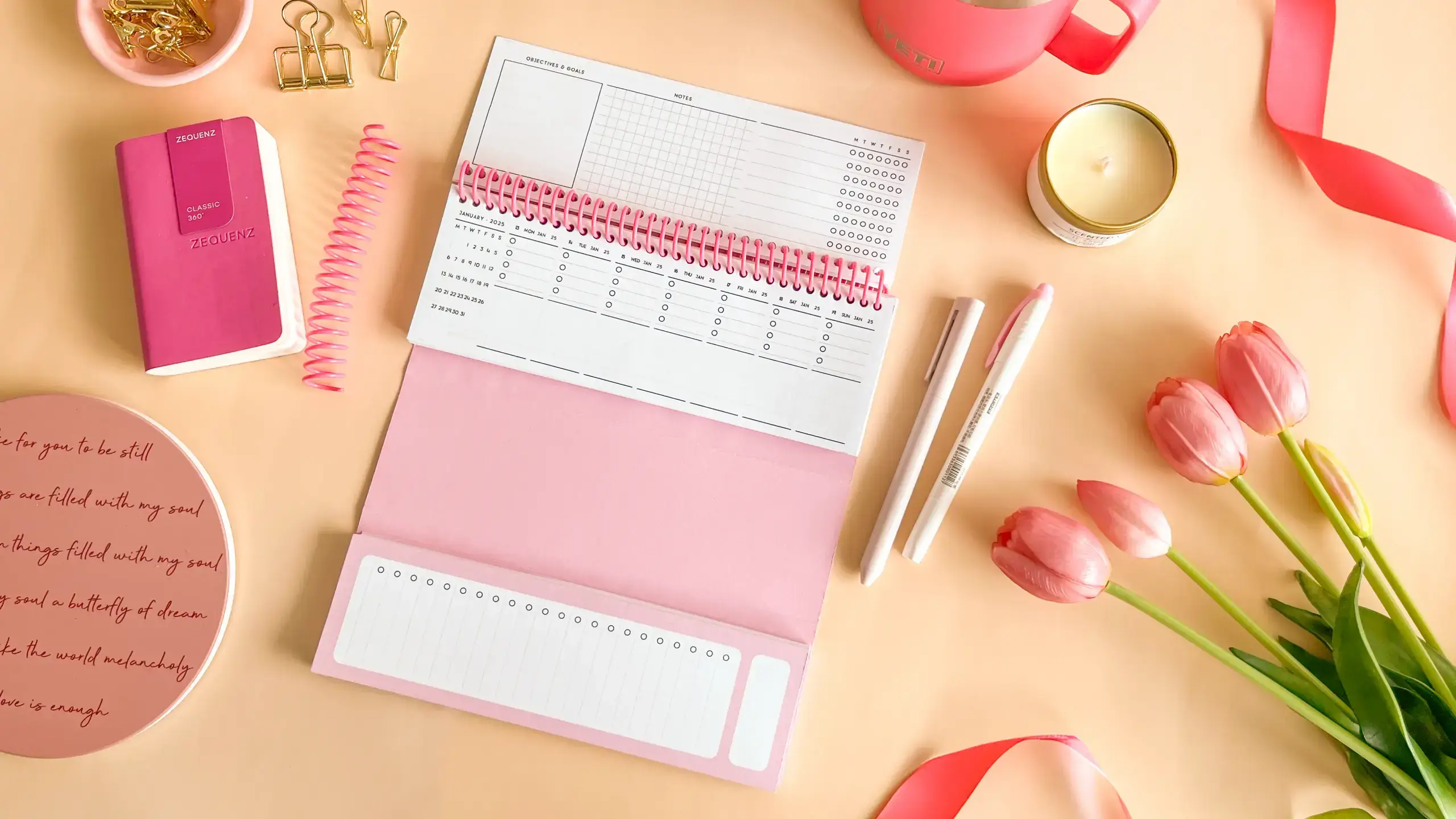
Subtle habit tracker grids
Intentional weekly and monthly overviews
💡 Best for: Professionals, creators, and anyone who thrives on calm structure.
Why it works: Minimal planners encourage mindfulness and help reduce decision fatigue — perfect for those who value focus over flair. Not sure whether to go colorful or minimal? Our colorful vs. minimal planner comparison can help you decide.
c. Calendar Planner: Classic Yet Powerful
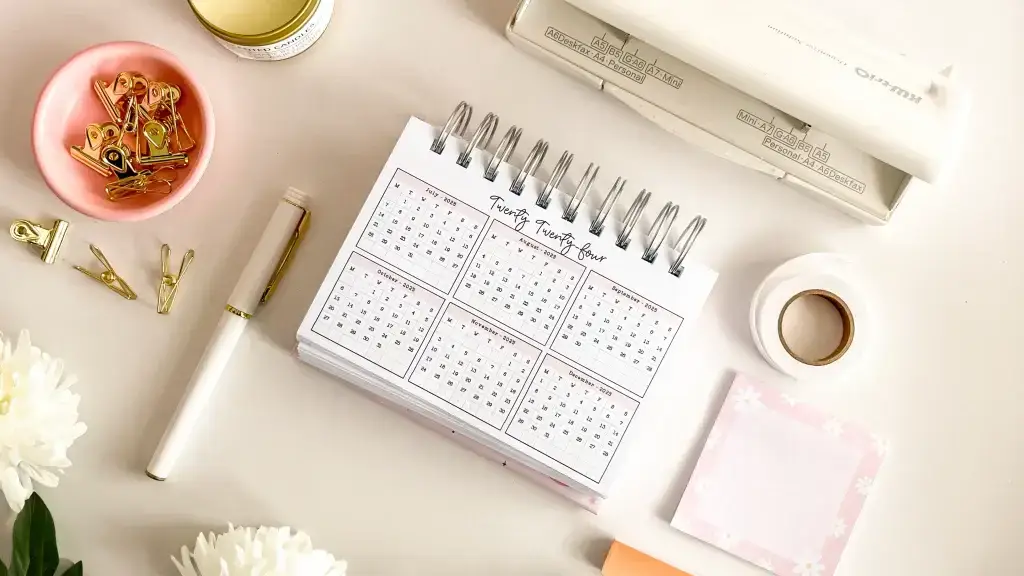
The calendar-style planner remains a timeless favorite for those who love visual organization. It’s easy to see your entire week or month at a glance.
Key features:
Monthly and weekly calendar spreads
Space for events, appointments, and reminders
Quick-access notepad pages for notes
Built-in to-do lists for each week
💡 Best for: People with busy schedules, event planners, or anyone managing multiple responsibilities.
Why it works: A calendar layout helps visualize time. You can spot overlaps, plan ahead, and keep commitments balanced.
d. Hybrid or Digital Planner: The Best of Both Worlds
In 2027, the rise of digital planners is stronger than ever. Hybrid systems — combining paper planning with apps — give users the flexibility of both worlds.
Key features:
Interactive PDFs for tablets (iPad, Samsung Tab, etc.)
Sync with calendars and note apps
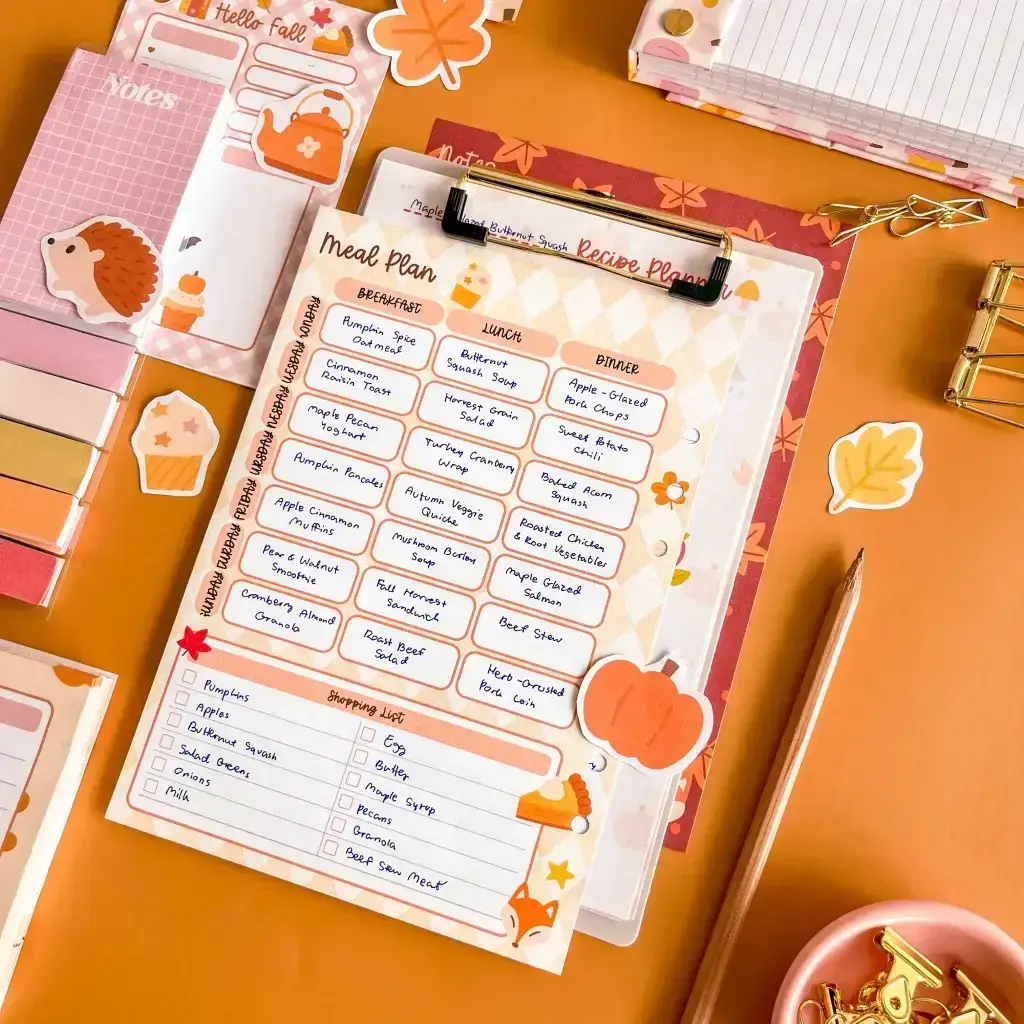
Reusable templates (to-do lists, meal planners, etc.)
Hyperlinked tabs and customizable sections
💡 Best for: Tech-savvy users who want customization, portability, and less paper waste.
Why it works: You can personalize layouts endlessly — from minimalist dashboards to vibrant creative spreads — and integrate tools like habit trackers, study logs, and digital stickers.
3. Decide Based on Your Lifestyle
When choosing your 2027 planner, think about how you live, work, and plan.
Scenario 1: The Student Multitasker
You’re juggling classes, part-time work, and extracurriculars.
Best fit:Student Planner or Hybrid Planner Why: These include sections for coursework, exam prep, and quick digital syncing for last-minute schedule changes.
Scenario 2: The Minimal Professional
You value clean spaces, mental clarity, and simplicity.
Best fit:Minimal Planner Why: It keeps you organized without the clutter — perfect for daily reflection and focused planning.
Scenario 3: The Creative Organizer
You enjoy designing your own layouts or color-coding your week.
Best fit: Custom Planner or Personalized Planner Why: You can use a planner maker like Planify Pro to design layouts that match your creativity — from fonts to page styles.
Scenario 4: The Business Planner
You’re running a business, managing clients, or building new projects that demand structure and clarity.
Best fit: Business Planner or Digital Hybrid Why: These planners combine calendar views with goal-setting, project tracking, and task management tools. They help you visualize deadlines, organize meetings, track progress, and balance strategy with daily execution — all in one streamlined system.
4. Features to Look For in Your 2027 Planner
Beyond style, focus on the functions that help you stay consistent.
✅ To-Do Lists
The heart of productivity. Look for planners with structured to-do list spaces — daily or weekly — to track priorities efficiently.
✅ Notepad Pages
Extra space for brainstorming, jotting reminders, or creative ideas. If you prefer handwriting, lined or dotted notepad pages are a must.
✅ Habit Trackers
Perfect for tracking consistency in fitness, study, or personal growth. A built-in habit tracker section helps visualize your progress throughout the month.
✅ Goal Sections
Many 2027 planners now include pages for monthly or quarterly goals — so you can align short-term tasks with long-term vision.
✅ Refillable or Customizable Layouts
Some brands like Planify Pro let you design and rearrange sections — whether you want a health tracker, budget log, or gratitude journal. For a deeper dive into how different layouts support different planning styles, see our guide to refreshing your 2027 planner setup: layouts, style and function.
5. Why a Custom or Personalized Planner Makes a Difference
The most effective planners are the ones that reflect you.
Custom Planners: Tailored to Your Routine
A custom planner allows you to choose the layout, page type, and cover design. You can decide whether you want:
Weekly or daily spreads
Dot grid, lined, or blank pages
Integrated to-do lists, habit trackers, or goal-setting pages
Personalized Planners: Add Your Identity
Add your name, favorite quote, or custom colors. It’s a simple touch, but it makes your 2027 planner feel like it’s truly yours.
With Planify Pro’s planner maker, you can:
Choose from multiple templates (student, minimal, calendar, hybrid)
Adjust fonts, icons, and sections
Include digital hyperlinks for easy navigation
Create matching add-ons like notepads or digital stickers
💡 Tip: Personalization boosts ownership. When your planner feels personal, you’re more likely to use it every day.
6. The Rise of Digital Planning in 2027
The shift toward digital planners has transformed how people organize their lives. These are essentially interactive PDF planners used with apps like GoodNotes, Notability, or Noteshelf.
Advantages of Digital Planners:
Reusable: No need to buy a new planner each year — just duplicate pages.
Eco-friendly: Zero paper waste.
Highly customizable: Add hyperlinks, widgets, stickers, and color themes.
Sync-ready: Connect to cloud storage or calendars.
Portable: Access your planner anywhere from a tablet or phone.
How Planify Pro Simplifies It:
Planify Pro offers digital planner templates with smart hyperlinks, flexible layouts, and bonus notepad and to-do list add-ons. You can design pages for:
Student planning
Minimal daily journaling
Habit and wellness tracking
Business goal setting
Whether you prefer an aesthetic minimal look or a vibrant, colorful setup, the platform’s planner maker lets you create your own digital system easily.
7. Paper vs. Digital: Which Is Better for You?
Category | Paper Planner | Digital Planner |
|---|---|---|
Experience | Tactile, mindful writing | Interactive, flexible, portable |
Customization | Fixed layouts (unless custom-made) | Easily editable, hyperlinked |
Eco-friendliness | Uses paper | Paperless |
Portability | Requires physical carry | Accessible anywhere |
Add-ons | Stickers, notepads, tabs | Digital stickers, templates, widgets |
Verdict:**** If you love handwriting and mindfulness — go for a custom or personalized planner in paper form. If you value flexibility, go digital with a Planify Pro planner that syncs with your workflow.
8. How to Use Your Planner Effectively
Choosing your 2027 planner is just the first step. The next challenge is using it consistently.
1. Start Small
Begin with one or two sections — for example, a weekly schedule and a habit tracker. Gradually expand as it becomes natural.
2. Review Weekly
Set aside 15 minutes each weekend to note on weekly review:
Check completed to-do lists
Reflect on goals and habits
Adjust your plan for the next week
3. Make It Personal
Use colors, stickers, or digital widgets that motivate you. A planner that looks good to you is one you’ll return to daily.
4. Sync with Your Digital Life
If you’re using a digital planner, link it to your calendar, reminders, or note-taking apps for seamless productivity.
5. Keep a Notepad Handy
Even with a structured planner, a separate notepad is useful for spontaneous ideas, journaling, or brainstorming.
9. Why Planify Pro is Perfect for Your 2027 Planning Journey
If you’re looking for flexibility, creativity, and functionality in one place — Planify Pro stands out.
What Makes Planify Pro Special:
🌿 Planner Maker Tool: Create your own 2027 planner layout
✏️ Custom Templates: Choose from student, minimal, calendar, or seasonal themes
🗒️ Add-Ons: To-do lists, notepads, sticky notes, and trackers
💻 Digital Ready: Perfect for iPad, tablet, or desktop use
💖 Personalization Options: Add your name, logo, quotes, or icons
📆 Consistent Updates: New designs and templates for every season
Whether you want a student planner for 2027, a minimal daily tracker, or digital planner, Planify Pro lets you design it your way — beautifully and efficiently.
10. Bringing It All Together
Choosing your 2027 planner isn’t just about aesthetics — it’s about understanding your rhythm, responsibilities, and preferences.
Here’s a quick summary to guide you:
Planner Type | Best For | Recommended Add-Ons |
|---|---|---|
Student Planner | Students, learners | Habit tracker, study to-do list |
Minimal Planner | Professionals, creatives | Notepad, reflection pages |
Calendar Planner | Entrepreneurs, parents | Schedule overview, reminders |
Hybrid/Digital Planner | Tech users, travelers | Digital stickers, hyperlinked tabs |
Custom/Personalized Planner | Anyone wanting flexibility | Name cover, themed layouts |
At the end of the day, the right planner helps you live intentionally — not just manage tasks, but design a life that feels balanced and meaningful.
So, before 2027 begins:
Reflect on what kind of planner personality you are.
Explore Planify Pro’s planner maker.
Design a planner that helps you organize, create, and thrive all year long.
Because your 2027 planner isn’t just a tool — it’s your partner in progress.
Want more tips and inspiration for building your own custom planner or launching a personalized planner brand? Check out our blog for a helpful beginner’s guide: “What You Need to Start a Planner Shop” and Courses to help you get started. Planify Pro has more DIY tips to help you personalize your planner, whether you’re designing a gift, building a product line, or just creating a layout that works for you.
Don’t forget to visit our Instagram, YouTube, and Pinterest for more inspiration—and to explore our wide selection of premade planner templates, design stickers, and fonts for making your own personalized planner. Let Planify Prohelp you on your journey to planner success!
Horizontal 2