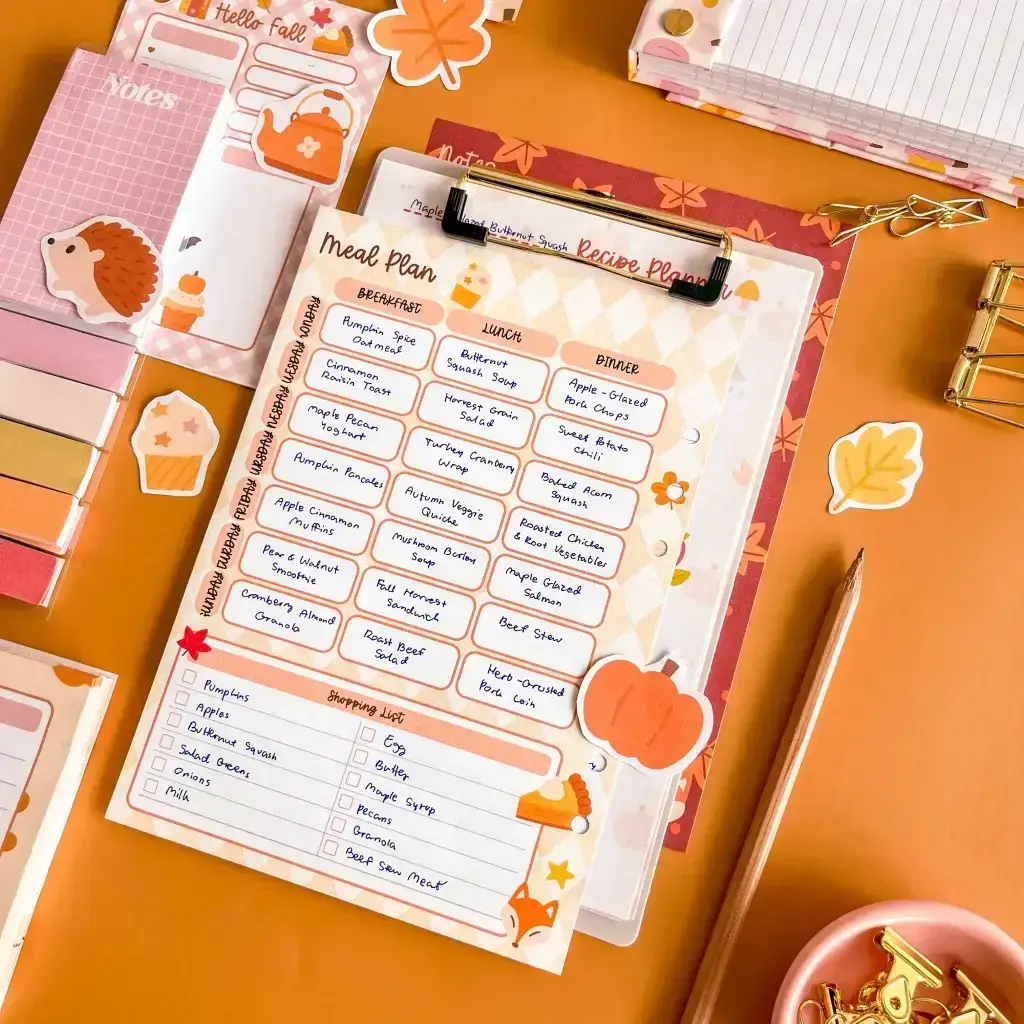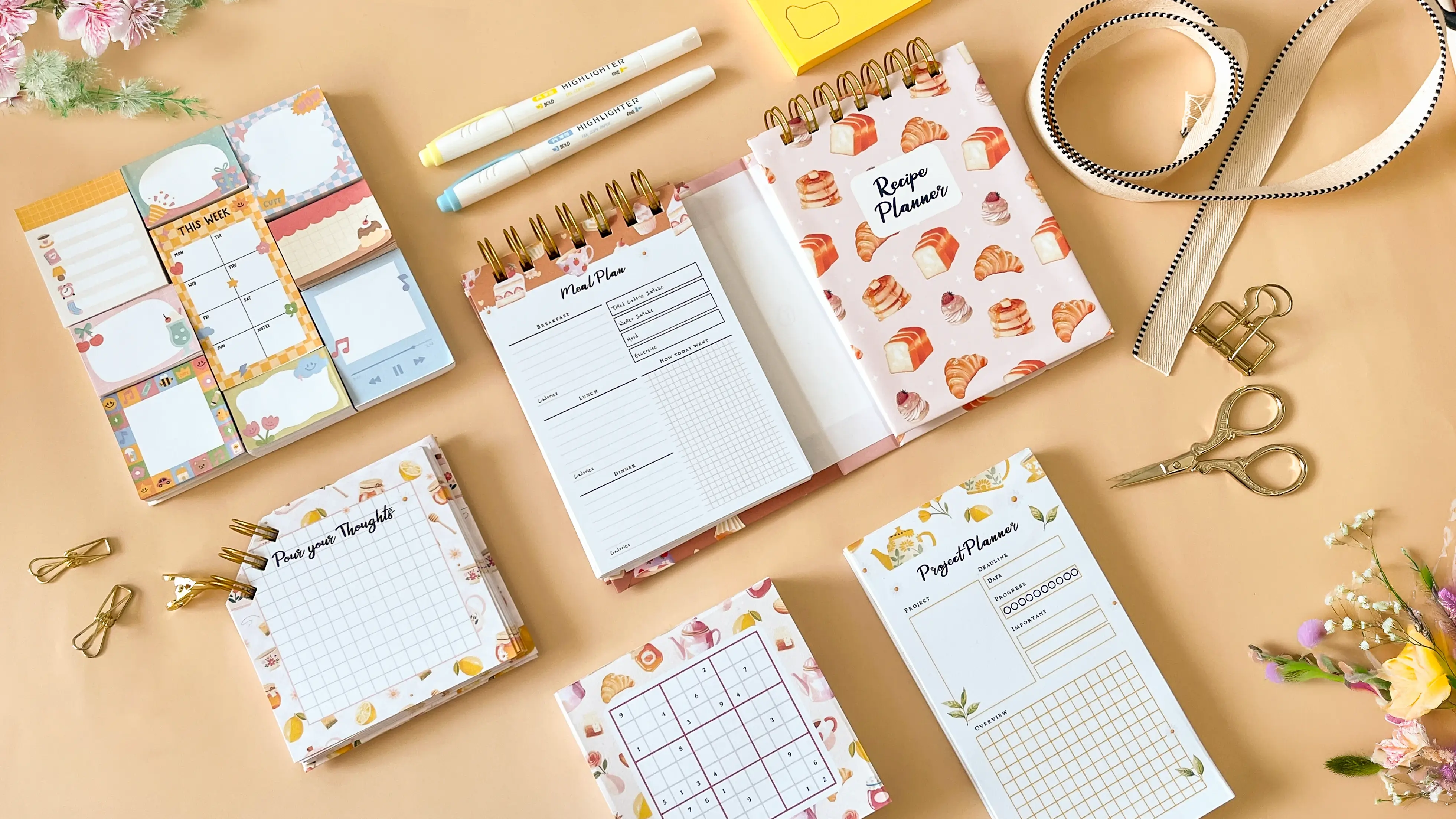
If you’re someone who loves staying organized, being creative, or building a business from beautiful stationery, Planify Pro offers all the tools you need to bring your ideas to life. Whether you’re designing a custom planner, a digital planner , or a printable notepad, this platform helps you create beautiful, useful tools that fit your life or your brand.
In this guide, we’ll explore everything you can create with Planify Pro. You’ll see how it supports personal productivity, self-care, business organization, and even gift-giving. Let’s dive into the full range of possibilities.
1. Create Your Own Custom Planner
At the heart of Planify Pro is its intuitive drag-and-drop builder that makes it easy to design a personalized planner without needing graphic design skills. Not sure which tool is best for you? Browse our comparison of the 8 best custom planner maker tools to find the right fit.
You can build a:
Daily planner: Schedule tasks by the hour, track water intake, or write gratitude notes.
Weekly planner: Plan meetings, errands, and important reminders across the week.
Monthly planner: Keep track of major events, deadlines, or goals.
Each planner templatecan be adjusted in layout, colors, and widgets to suit your unique lifestyle. You can even select a minimal planner style for clean, focused layouts.
2. Use or Design a Digital Planner
Digital plannersare interactive, hyperlinked PDF files ideal for use on tablets with apps like GoodNotes or Notability.
With Planify Pro, you can:
Add clickable links between monthly, weekly, and daily pages.
Include stickers and decorations.
Choose from multiple planner templates or design your own.
Add digital sticky notes or embedded widgets.
Many users love the flexibility of carrying their entire planning system in one sleek file.
3. Custom Calendars for Any Purpose
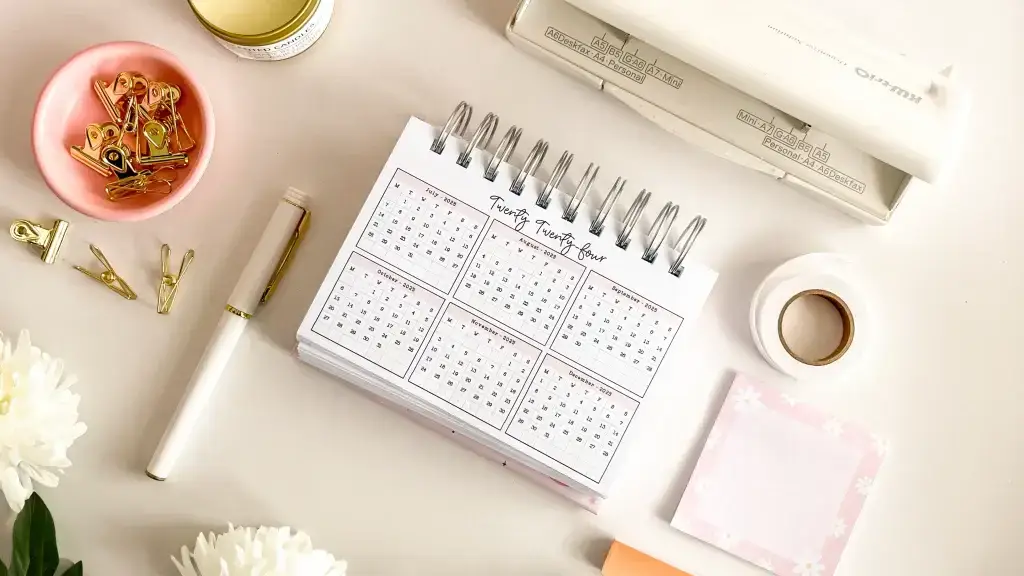
Make a custom calendar that suits your planning style. Use it as a desk planner, a wall poster, or part of your planner layout.
Planify Pro offers:
Yearly overview calendars
Dated or undated options
Mini calendars for sidebars or dashboards
Printable or digital versions
You can decorate your calendar with icons, stickers, or themed backgrounds.
4. Specialized Planners for Specific Needs
Planify Pro helps users create focused planners based on specific use cases:
ADHD Planner
Perfect for individuals with neurodiverse needs, these planners can include:
Time-blocking layouts
Visual schedules
Priority-based task and list pages
Self-care check-ins
Budget Planner
Manage your money with:
Expense tracking pages
Monthly budget breakdowns
Saving goal sheets
Business Planner
For entrepreneurs and freelancers:
Monthly income and expense trackers
Goal-setting pages
Content calendars
Wedding Planner
Design a planner to track:
Guest lists
Budget
Vendor details
Timeline checklists
These planners also make great personalized gifts!
5. Make To Do Lists and Task Sheets
A core part of planning is keeping track of tasks. With Planify Pro, you can make:
Simple to do list pages
Prioritized task and list spreads
Checklist-style daily pages
Reusable digital notepads
Combine these elements with a custom planner to match your productivity style.
6. Design Your Own Notepads and Sticky Notes
Create printable or digital notepads for:
Quick notes
Journaling
Project planning
Or use the sticky notes feature to add colorful, movable notes within your planner.
Great for students, creatives, and teachers, these tools offer flexible organization.
7. Build Freebie and Downloadable Planners
Want to attract customers to your blog or planner shop? Planify Pro lets you build beautiful freebie free download planners that you can give away:
Ideas include:
Mini monthly calendars
Daily planners with inspirational quotes
Budget planner samples
Wedding planner checklists
You can upload them to your website or Etsy shop to grow your audience.
8. Explore Planner Templates and Style Packs
Planify Pro offers ready-made planner templates so you don’t have to start from scratch.
Types of templates include:
Color-themed collections (e.g., pastel, floral, neutral)
Layout-based options (minimal, decorative, seasonal)
Function-specific kits (finance, academic, wellness)
These templates can be used as-is or completely customized to match your brand.
9. Add Stickers and Decorations
No planner is complete without a touch of fun. Planify Pro includes a large library of:
Digital stickers (icons, quotes, labels)
Frames and decorative elements
Themed visuals (holidays, seasons, moods)
You can also upload your own art to use in designs or sell sticker packs as products.
10. Start a Planner Business with Planify Pro
Planify Pro’s business planner tools make it easier than ever to:
Build product templates
Offer printable and digital downloads
Use designs commercially (with a Business Plan subscription)
Earn through their affiliate program
If you’re ready to turn your designs into a real business, read our step-by-step guide to starting a printables shop in 2026 for a practical roadmap covering tools, costs, and marketing.
You can create bundles that include:
A monthly planner, budget planner, and to do list
Matching notepad and sticky notes
Branded digital or print collections
11. Sell on Etsy, Your Website, or Marketplaces
The planner community is active and growing. You can use your creations to:
Sell digital planners with hyperlinks
Offer printable inserts for ring planners
List freebie free download planners to attract leads
Planify Pro’s design quality lets you compete in a crowded market with polished, on-trend designs.
12. Collaborate and Build a Brand
With consistent use of planner templates, color palettes, and layout styles, you can:
Build a recognizable brand look
Grow a product line
Offer matching products: budget planner, wedding planner, ADHD planner
Attract collaborations and partnerships
13. Why People Love Planify Pro
Some reasons creators and everyday users prefer Planify Pro:
User-friendly editor for beginners
Huge selection of templates and graphics
Easy export for both printing and digital use
Business and commercial use allowed
Community support and tutorials
It’s not just a design tool—it’s a complete solution for anyone who wants to organize their life or build a business.
Conclusion: Your Creativity, Your Planner
From creating a daily planner for self-care to launching your own digital planner shop, Planify Pro gives you all the tools to build your vision. You can:
Design a custom planner that fits your day
Create sticky notes, notepads, and to do lists for any situation
Sell or gift specialized planners like an ADHD planner or wedding planner
Explore a minimalist or colorful aesthetic
Attract fans with freebie free download planners
Planify Pro is for creators, organizers, and entrepreneurs. And with every project you make, you’ll gain more clarity, confidence, and maybe even a new income stream.
Ready to make your first planner? VisitPlanify Proand start designing today.
Looking for more planner inspiration? Explore our complete guide to custom planner makers in 2026, browse 50+ planner template ideas for sellers, or see our step-by-step roadmap on how to start a profitable planner business on Etsy.
Want more tips and inspiration for building your own custom planner or launching a personalized planner brand? Check out our blog for a helpful beginner’s guide: “What You Need to Start a Planner Shop” and Courses to help you get started. Planify Pro has more DIY tips to help you personalize your planner, whether you’re designing a gift, building a product line, or just creating a layout that works for you.
Don’t forget to visit our Instagram, YouTube, and Pinterest for more inspiration—and to explore our wide selection of premade planner templates, design stickers, and fonts for making your own personalized planner. Let Planify Prohelp you on your journey to planner success!