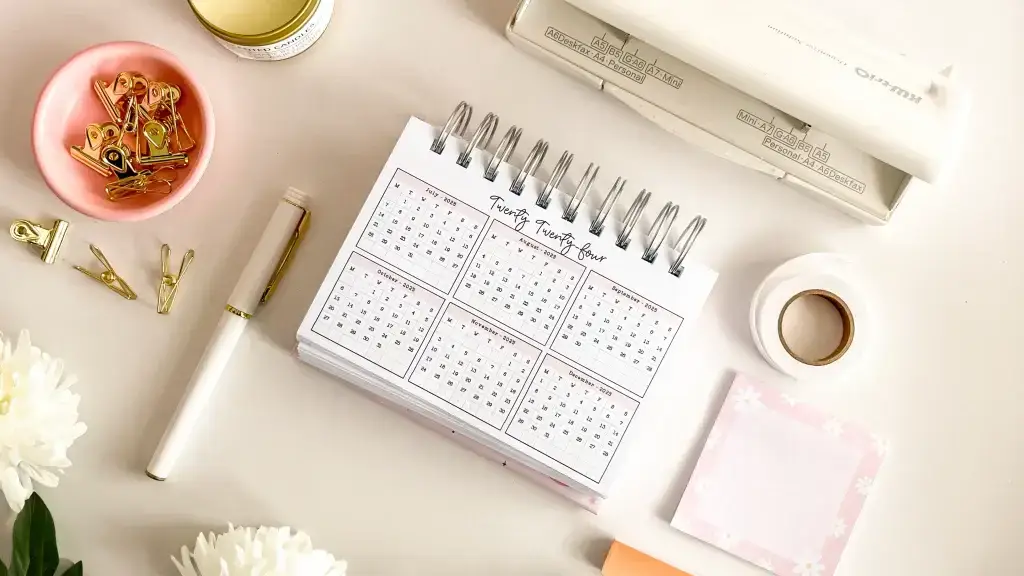
The digital planning world is shifting quickly — and 2027 is shaping up to be the year of simple, focused, one-page templates. Buyers are no longer looking only for bulky 200-page planners or complicated systems. Instead, they want clean, purposeful, easy-to-print sheets they can use immediately.
For creators, this shift brings real opportunity. One-page layouts are faster to design, easier to customise, and ideal for sellers who want to scale a shop quickly.
This article covers the biggest digital planner trends, the one-page sheets customers love most, and how to design and sell them on Etsy and Shopify or Amazon KDP.
Why one-page planner sheets are taking over
Where the last few years were about aesthetic planners and themed digital notebooks, the shift now is toward minimal, modular productivity tools. Buyers want flexibility — the ability to mix and match individual pages to build their own system. It's part of why easy templates sell so well.
Three reasons one-page templates lead the market
1. They're easier to print and use. Buyers can print instantly at home, slip the page into a notebook, or drop it into a planner app with no extra steps. No scrolling through long PDFs, no binding decisions. A single sheet is practical and fits any routine.
2. They're cheaper, so customers buy more. Single-page templates typically sit in the $1.99–$4.99 range, which is low-risk enough that buyers add several to a cart. That raises order value and drives repeat purchases — people come back to build their system one page at a time.
3. They help shops grow inventory fast. A shop with 150–300 listings gains far more visibility in Etsy search, Pinterest and Google Images. Each page is another entry point.
Trend 1: Clean minimalist pages
Minimalism isn't just a style now, it's a productivity philosophy. Buyers prefer layouts that are light on colour, high in white space, easy to read and printer-friendly.
This suits one-page designs especially well — daily sheets, weekly to-do pages, habit tracker grids, notepad designs, project overviews and monthly dashboards.
Why buyers prefer it: pages that don't overwhelm, designs that fit any lifestyle, layouts that look modern in a digital planner, and files that print cleanly in black and white.
Browse 50+ planner template ideas for starting points.
Trend 2: Hyper-specific productivity pages
The strongest trend is niche-specific, task-focused sheets. Instead of an all-in-one planner, customers want a toolkit:
- Assignment planner for university students
- Social media workflow page for content creators
- Inventory tracker for small business owners
- Daily sales tracker for Etsy shops
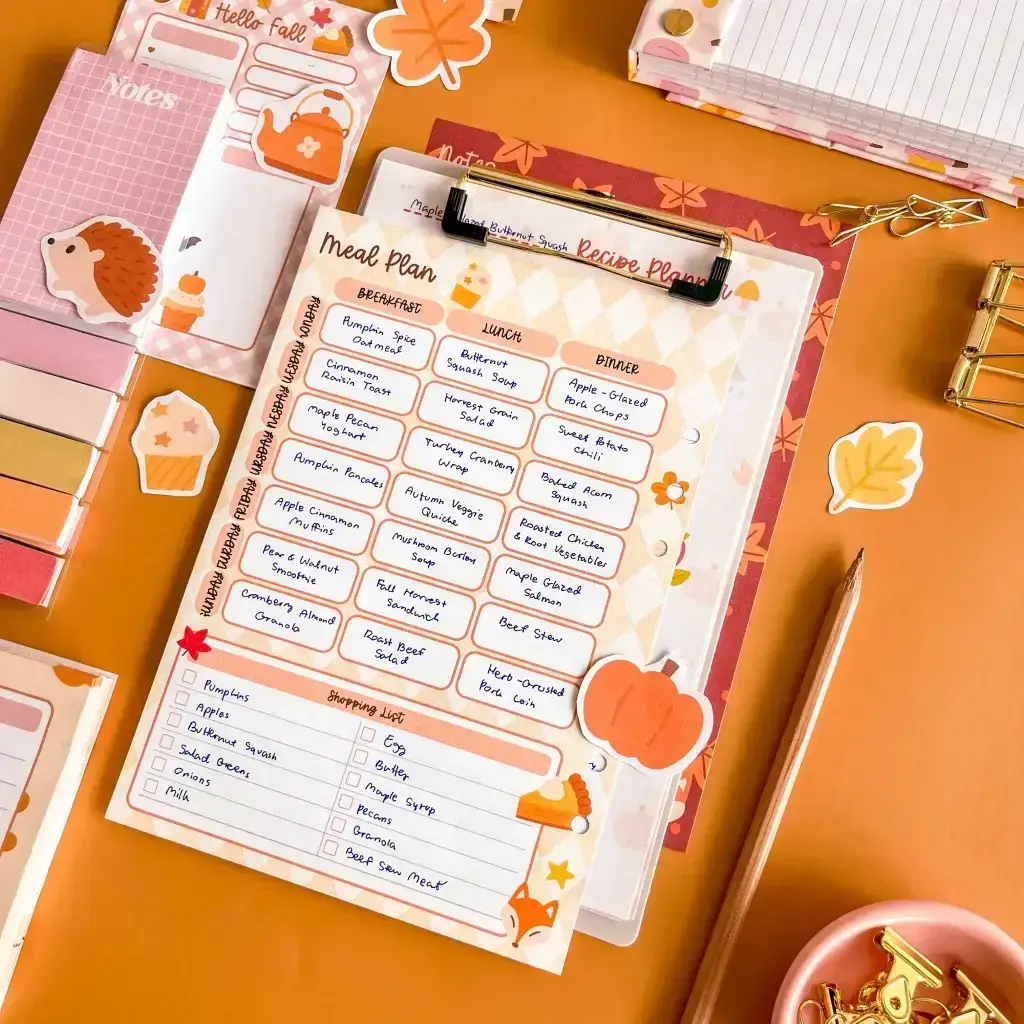
- Kitchen notepad for meal prep
- Cleaning rotation checklist for busy parents
- Morning routine habit tracker
- Finance mini-budget sheet
These solve a specific problem and often become evergreen bestsellers. More on selling planners in niche markets.
Why niche pages work: they match intent exactly, get saved to favourites more often, rank for long-tail keywords, and convert because the buyer thinks "this is exactly what I need."
Trend 3: Customisable and personalised pages
Buyers increasingly expect personalisation, even on single pages: editable name fields, colour themes, style variants (minimal, pastel, botanical, modern), custom headers and monograms.
Top personalised sellers: custom name notepads, personalised weekly layouts, name-based habit trackers, monogram monthly calendars and custom goal-setting sheets.
Personalisation lifts conversion rate, repeat orders and satisfaction.
Trend 4: One-page inserts for tablets
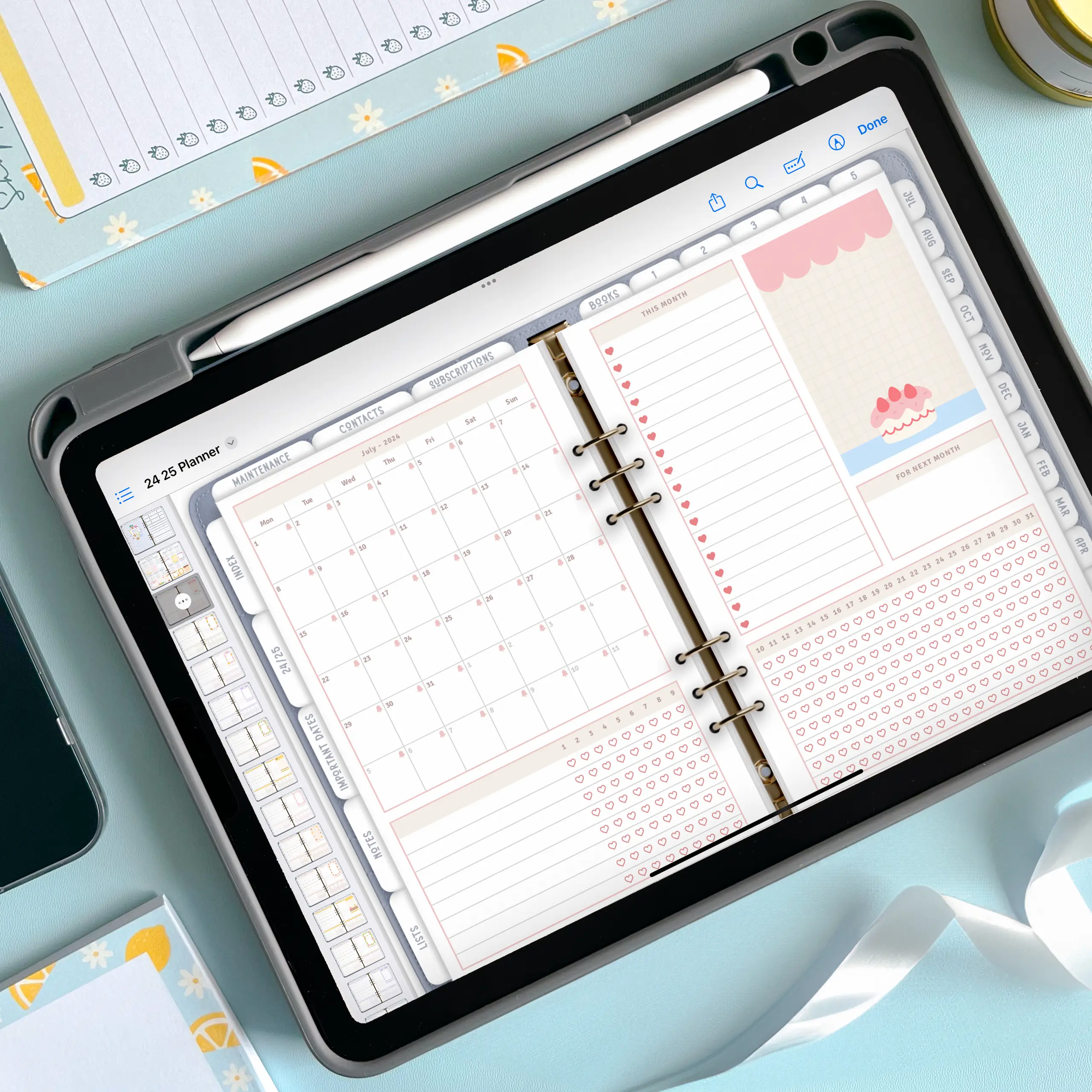
GoodNotes, Notability, Xodo and Zinnia keep growing, particularly among college students, remote workers and iPad or Android tablet users.
The most downloaded inserts: daily planner pages, monthly inserts, weekly productivity dashboards, Sunday reset checklists, monthly reflections, health and fitness trackers, water/sleep/mood trackers, and workday to-do lists.
Worth understanding the basics of designing functional planners first.
Trend 5: Smart colour coding
Colour is trending toward warm neutrals, muted pastels, soft lavender, light teal, linen beige and greyscale. These look calm and professional, and print without burning through ink — a frequent complaint in reviews.
Tip: offering three colour versions turns one design into three listings.
Trend 6: The return of structured planning
After years of open, unstructured formats, guided layouts are back. Customers want prompts: top priorities, time blocks, small wins, notes, mood, hydration, meals, task breakdown.
A structured one-page design sells well because it gives clarity without the commitment of a full planner.
Trend 7: Simple notepad-style templates
Printable notepads remain among the top-performing digital products: lined, dotted, grid, minimalist stationery sets, to-do notepads, memo sheets and daily notes pages.
With Planify Pro you can build a full notepad collection in minutes by duplicating one layout and swapping colour, header, icons and paper style — a fast route to 50–100 listings.
Trend 8: Quick-action productivity pages
Buyers want templates they can start using immediately: 5-minute daily goal sheets, 3-task notepads, 10-minute evening reset checklists, morning routine trackers and simple weekly priority lists.
These reflect a wider wellness shift toward reducing overwhelm — and they're quick to design.
Trend 9: Multi-style collections from one template
One good template can produce a whole product line. A single daily to-do page becomes a pastel version, a botanical version, a modern black-and-white version, a professional version and a cottagecore version.
Each is a new listing from the same base layout — one of the most efficient growth strategies for anyone building a planner business.
Trend 10: Smart bundles
Themed bundles perform strongly:
- 12-month planner inserts, one page per month
- Productivity starter kit (daily, weekly, monthly)
- Student essentials (assignments, schedule, revision plan)
- Wellness kit (habit, sleep, meal planning)
- Home management (cleaning, kitchen notepad, budget)
- Business bundle (sales log, content plan, dashboard)
Bundles let you charge more, raise perceived value and stand apart. See sales promotion strategies.
How to design bestselling one-page templates
1. Choose a core layout — header, main sections, checklist area, notes box, time blocks if needed.
2. Keep spacing consistent — readability and polish are what buyers notice.
3. Add branding subtly — minimal icons, small colour accents, consistent typography.
4. Create variations — light, dark, pastel, botanical, professional. Each is a listing.
5. Export in both formats — PDF for printing, PNG for digital planners, GoodNotes file optionally.
Twenty one-page templates that sell
- Monthly planner page
- Daily to-do list
- Weekly dashboard
- Habit tracker grid
- Personalised planner sheet with name
- Meal prep notepad
- Cleaning schedule
- Student homework planner
- Social media content planner
- Business expense tracker
- Morning routine sheet
- Sunday reset checklist
- Simple lined notepad
- Project overview
- Brain dump page
- Budget mini-sheet
- Daily gratitude log
- Water and sleep tracker
- Weekly priorities sheet
- Fitness goal planner
These work because they're universal, niche-friendly and used daily.
The bottom line
Digital planning is moving toward simplicity, clarity and personalisation. Customers want pages they can use instantly, minimalist layouts, affordable sheets they can mix and match, and inserts that work on any device.
The opportunity for creators is building a large, versatile inventory that increases visibility and brings people back. Compare planner maker tools, understand your startup costs, and avoid the common mistakes.
Ready to go further? Read the complete guide to custom planner makers, or learn how to start a profitable planner business on Etsy.
Just getting started? Read what you need to start a planner shop, or visit our Instagram, YouTube and Pinterest for more.