All posts
156 posts across the whole blog.
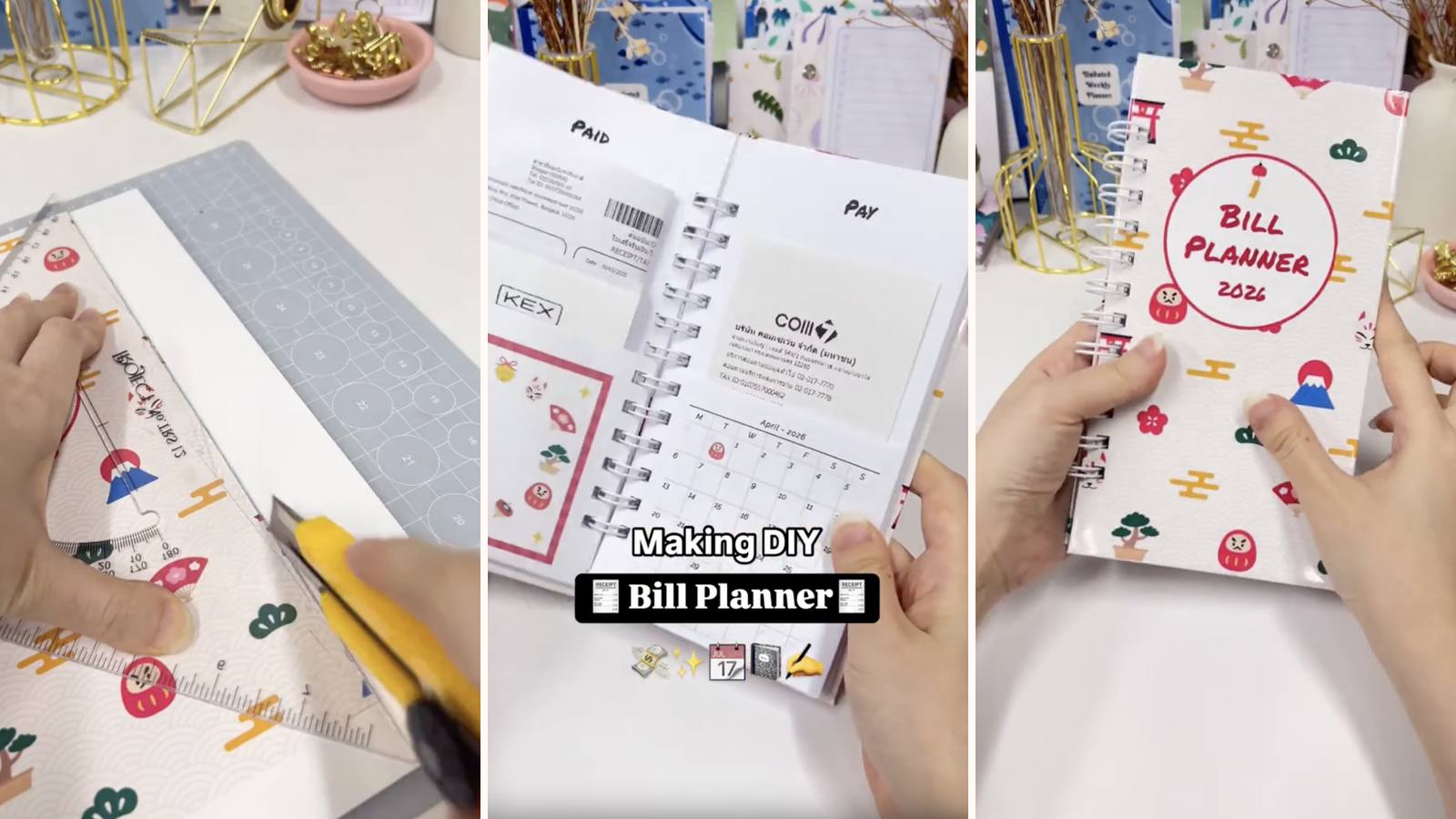
DIY Bill Planner: How to Make a 12-Month Bill Organizer with Wire Binding
Twelve pages folded into envelopes — one pocket per month for receipts and bills — bound on o-wires between wrapped chipboard covers.
4 min read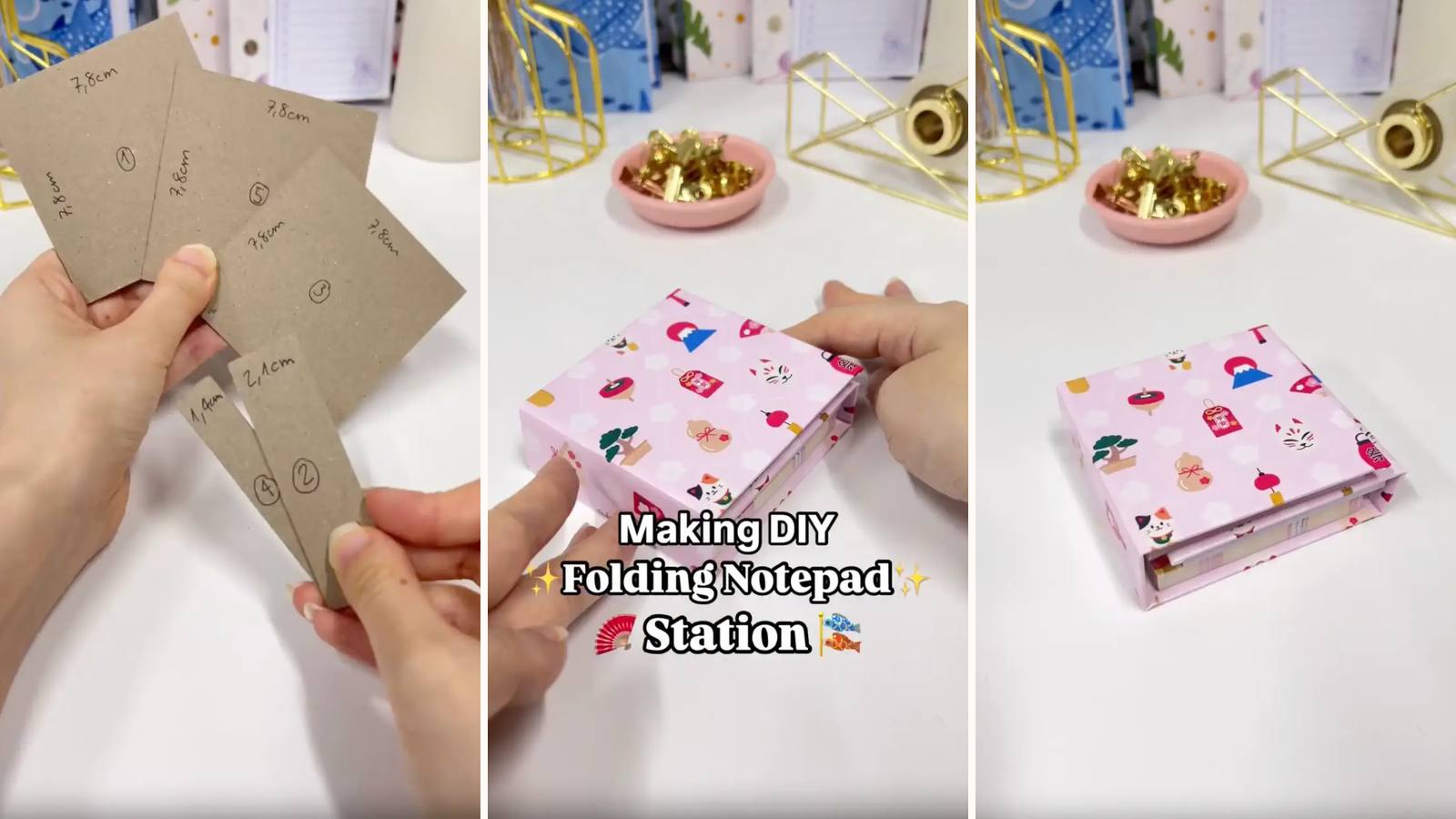
DIY Folding Notepad Station: Multi-Section Desktop Notepad Organizer
Three small PVA-bound pads on a scored chipboard base that folds shut like a book — to-do, reminders and notes in one square on the desk.
5 min read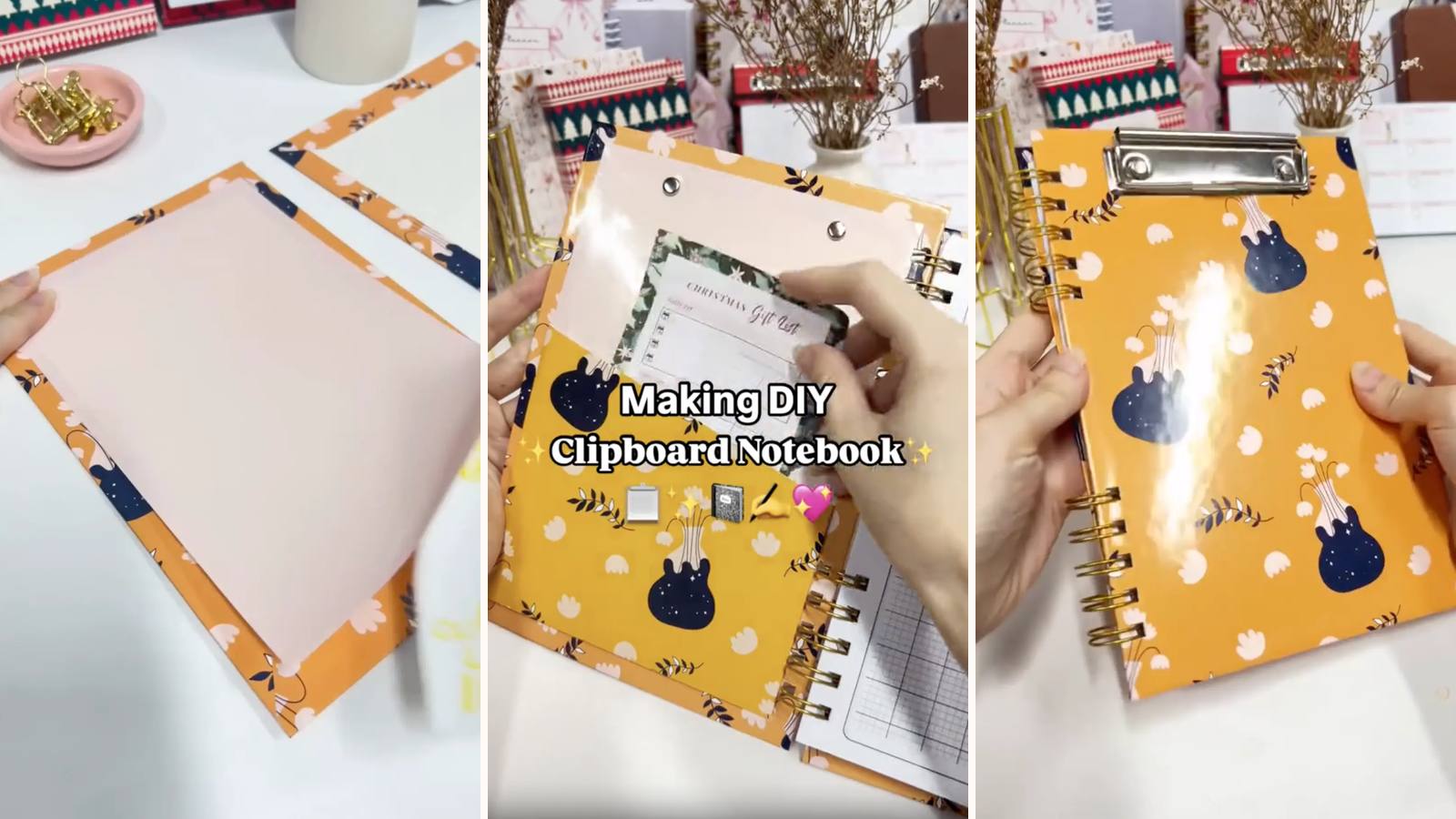
DIY Clipboard Notebook: How to Make a Wire-Bound Notebook with Clipboard Clip
A wire-bound notebook with a real clipboard clip riveted to the front cover and an optional cardstock pocket inside — a writing surface that works without a desk.
4 min read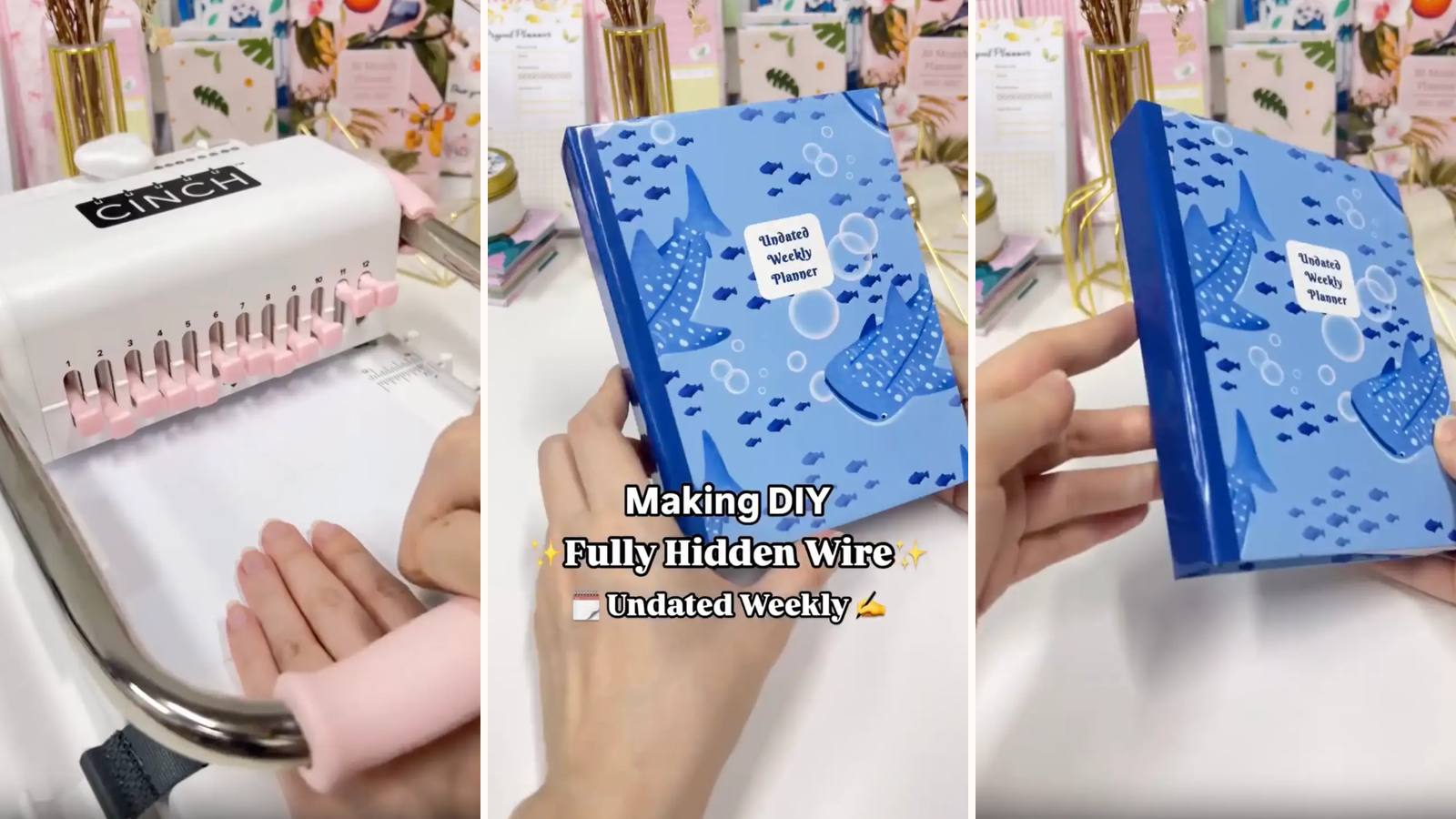
DIY Hidden Wire Planner: Concealed Wire Binding Tutorial
Wire-O binding with the spirals completely out of sight — a W-folded cardstock spine wraps the wire and tapes inside a three-panel chipboard cover.
5 min read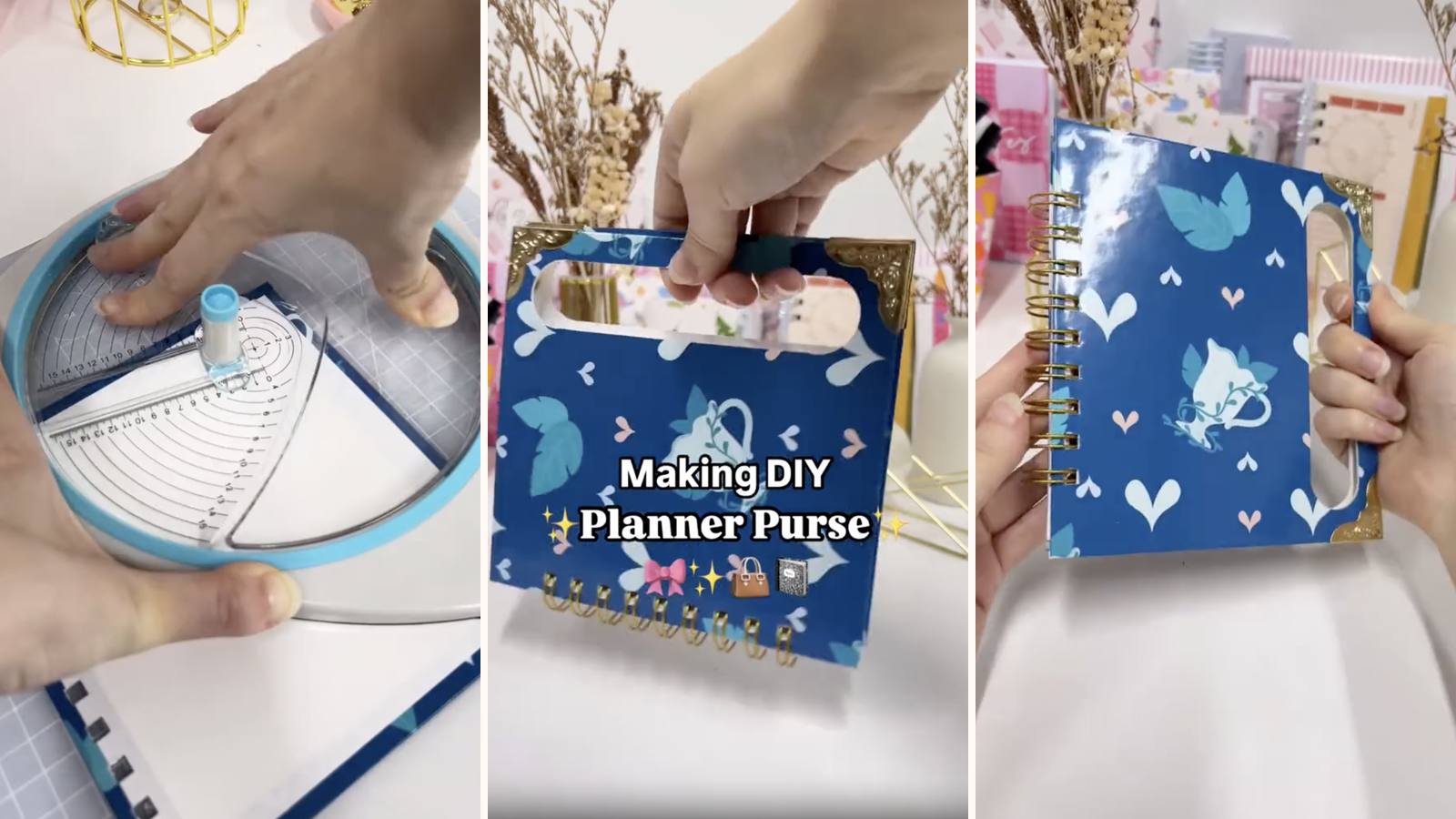
DIY Planner Purse: How to Make a Portable Planner Bag with Wire Binding
A wire-bound planner with a carry handle cut straight into the chipboard covers — two circles and two straight lines turn a notebook into something you pick up by the top.
4 min read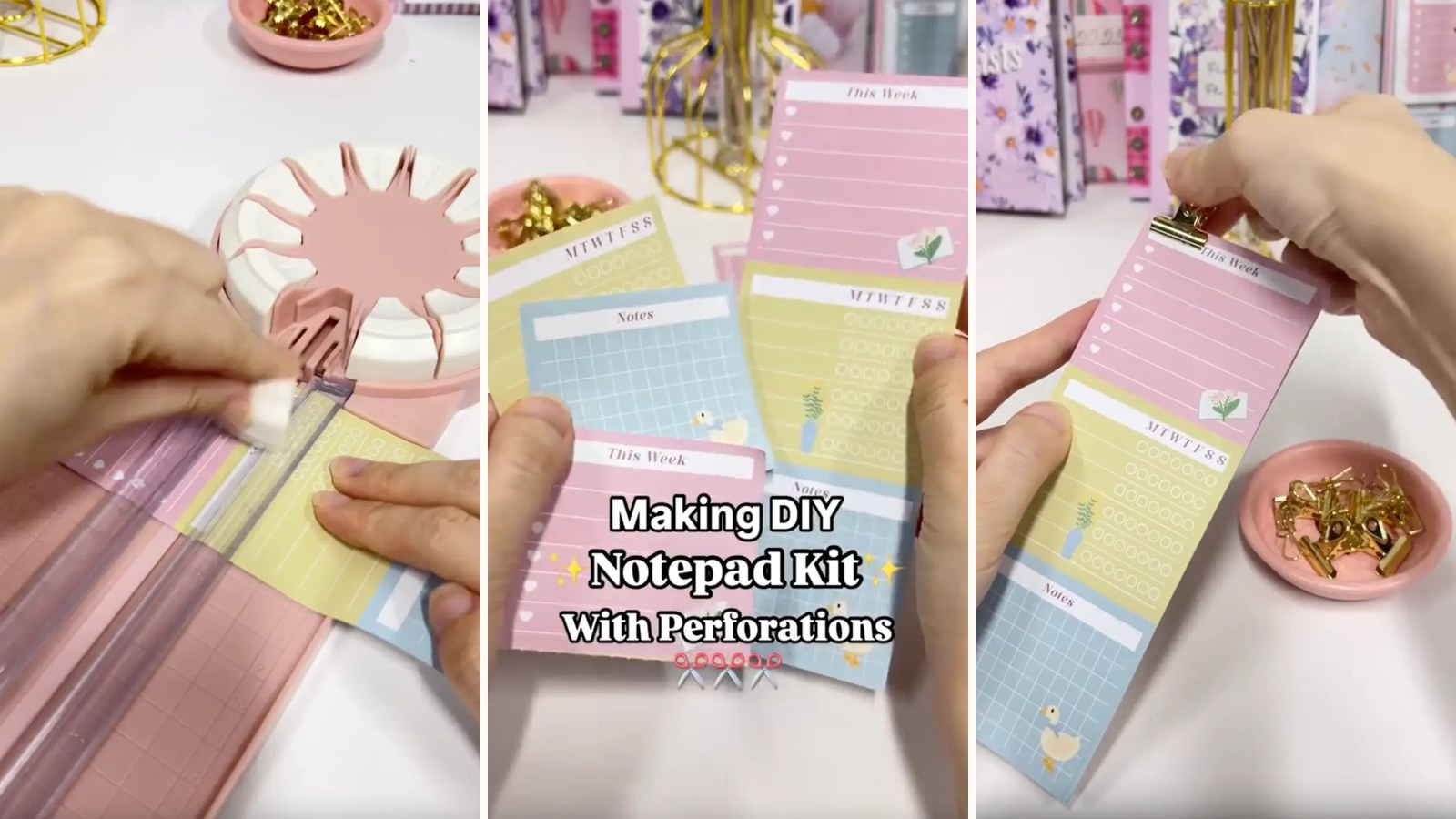
DIY Perforated Notepad: How to Make a Tear-Off Notepad at Home
Add clean tear-off lines to a handmade notepad using a perforating cutter and PVA glue binding — one extra step that makes it look shop-bought.
3 min read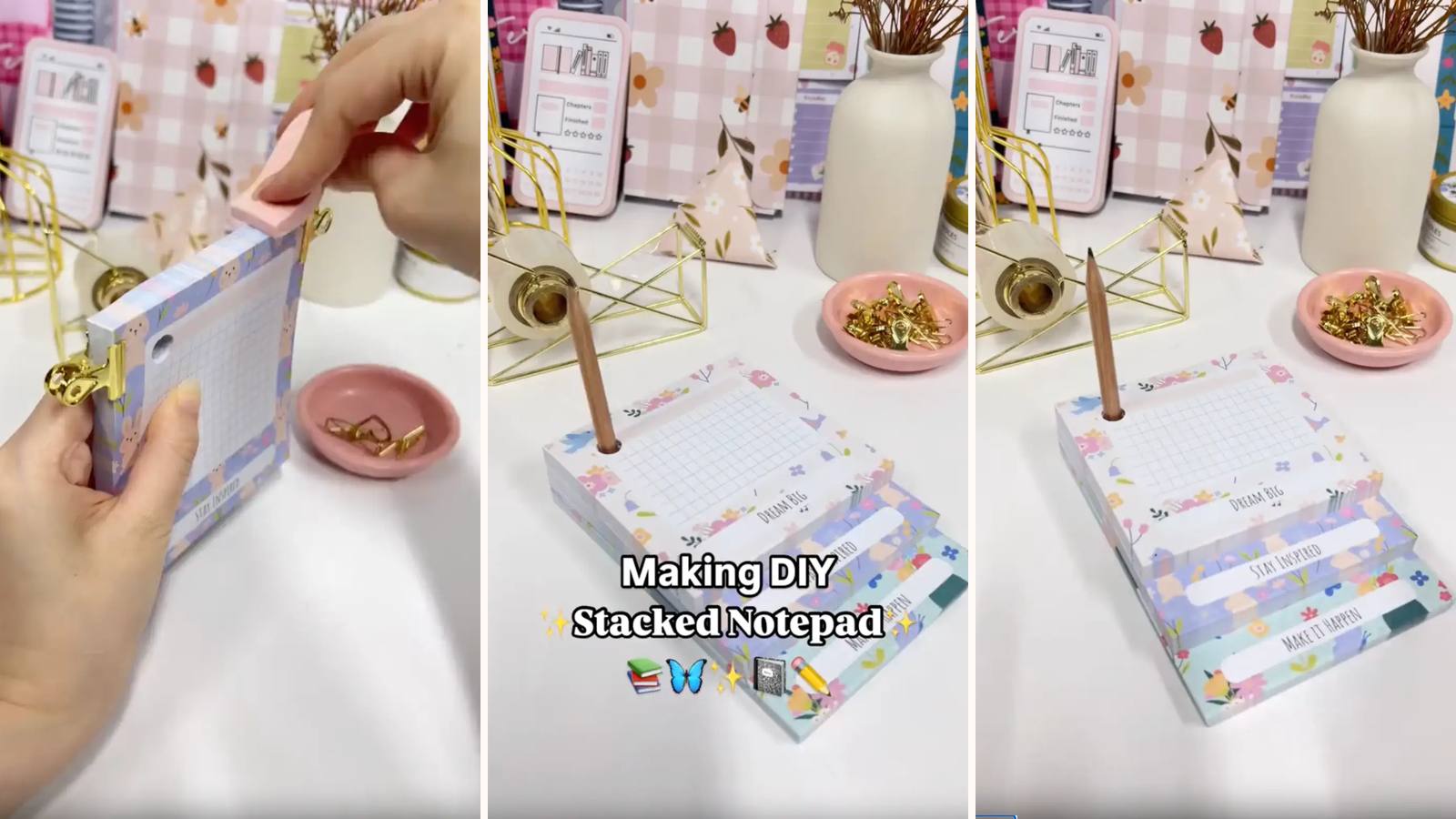
DIY Stacked Notepad: How to Make a Multi-Layer Notepad with PVA Glue
Three notepads of different lengths glued and stacked on one chipboard back, so each section's top edge stays visible — to-do, brain dump and notes in one pad.
4 min read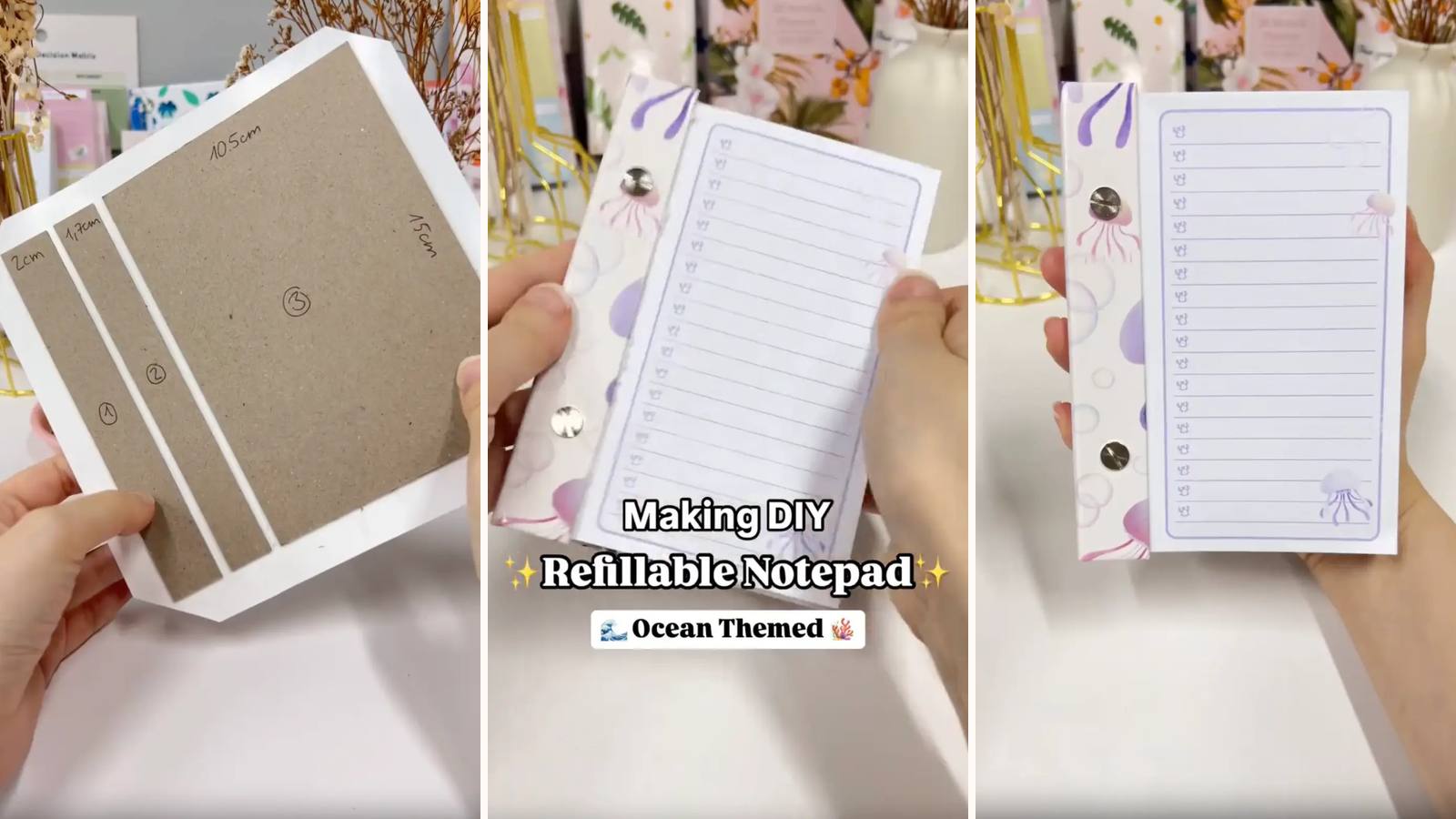
DIY Refillable Notepad: How to Make a Notepad with Chicago Screw Binding
150 pages held by two Chicago screws in a three-panel chipboard cover — no glue, no wire, and no special equipment beyond a hole punch.
4 min read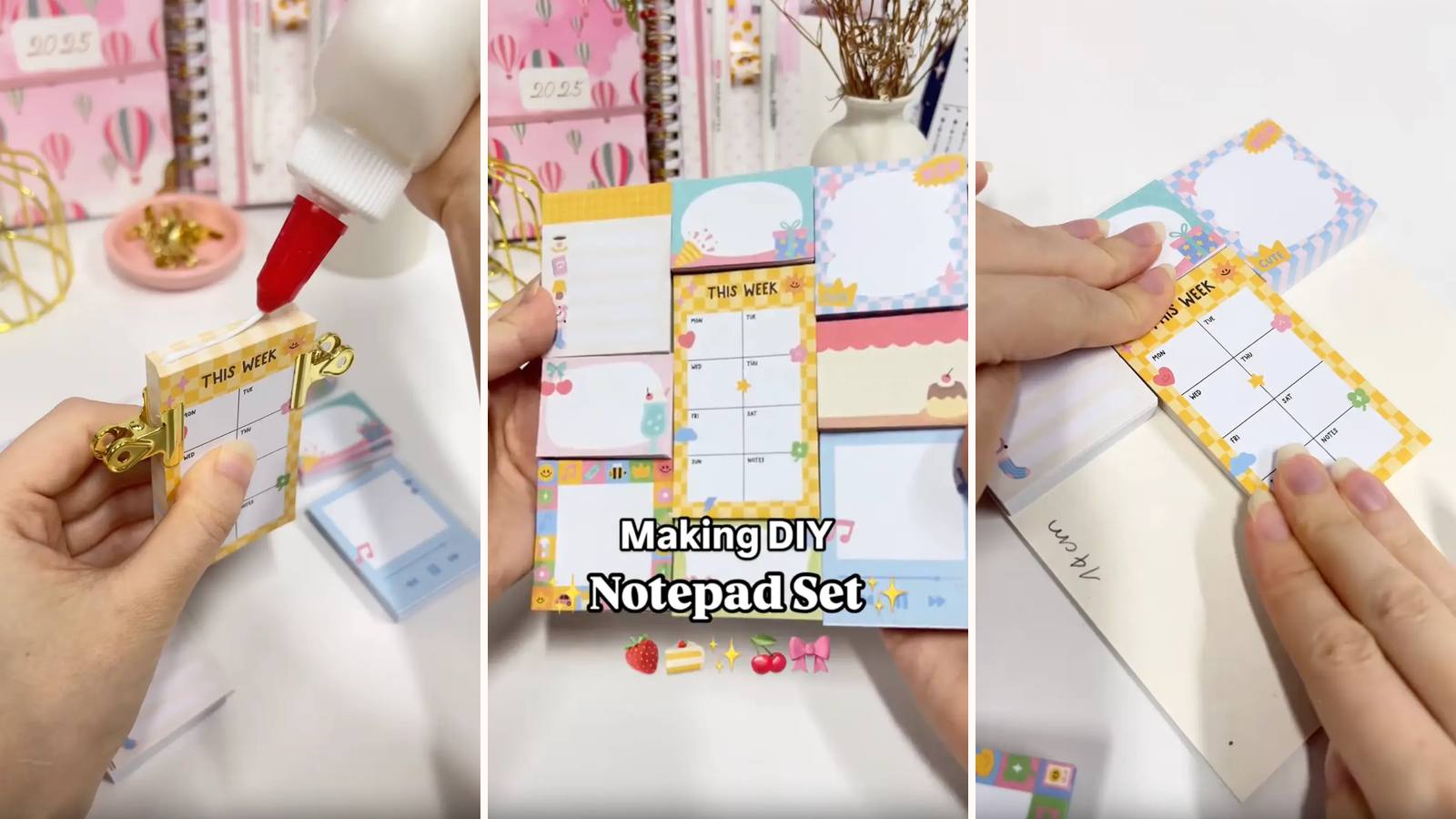
DIY Notepad Set: How to Make 9 Mini Notepads with PVA Glue Binding
One printed sheet cuts into nine mini notepads, each PVA-bound and mounted back into its original position on a 14 × 14 cm chipboard base.
4 min read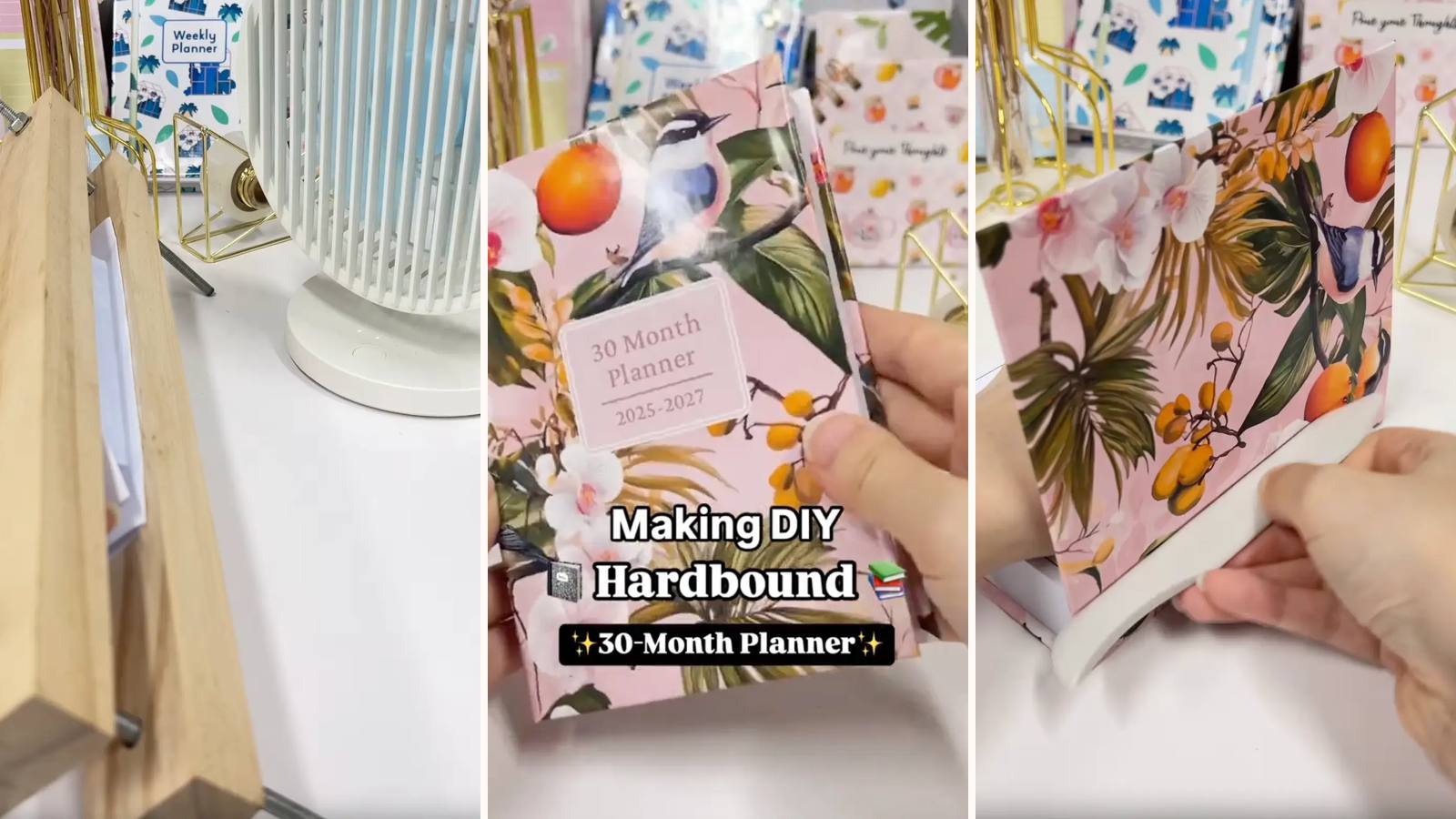
DIY Hardbound Planner: How to Make a 30-Month Hard Cover Planner Book
120 folded pages glued into a proper book block, finished with a headband and cased into a three-panel hard cover. The most book-like build in the library.
6 min read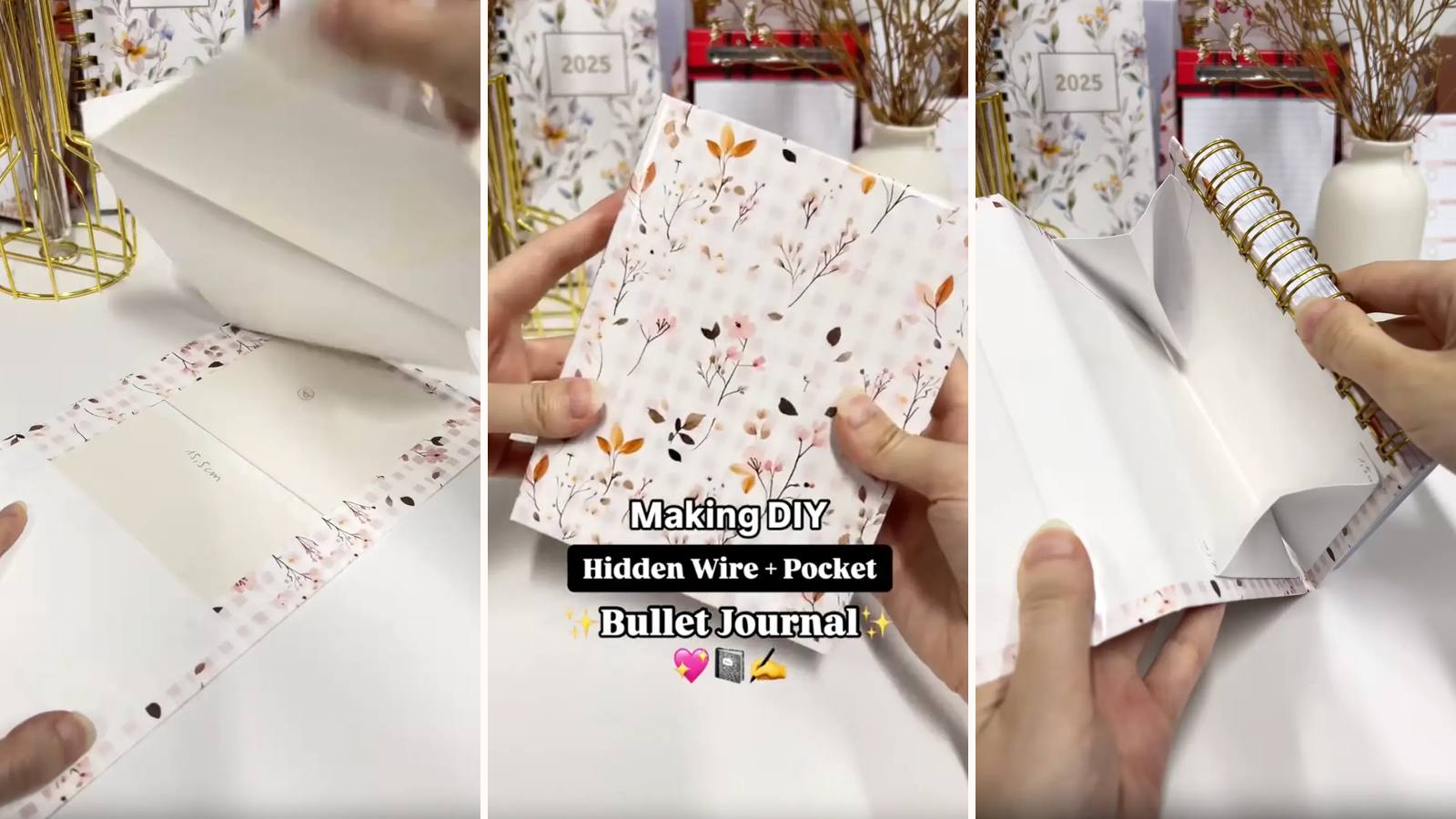
DIY Pocket Bullet Journal with Hidden Wire Binding and Pocket Cover
A pocket-sized journal with concealed o-wire binding and a fold-over pocket built into the cover for cards, receipts and loose notes.
5 min read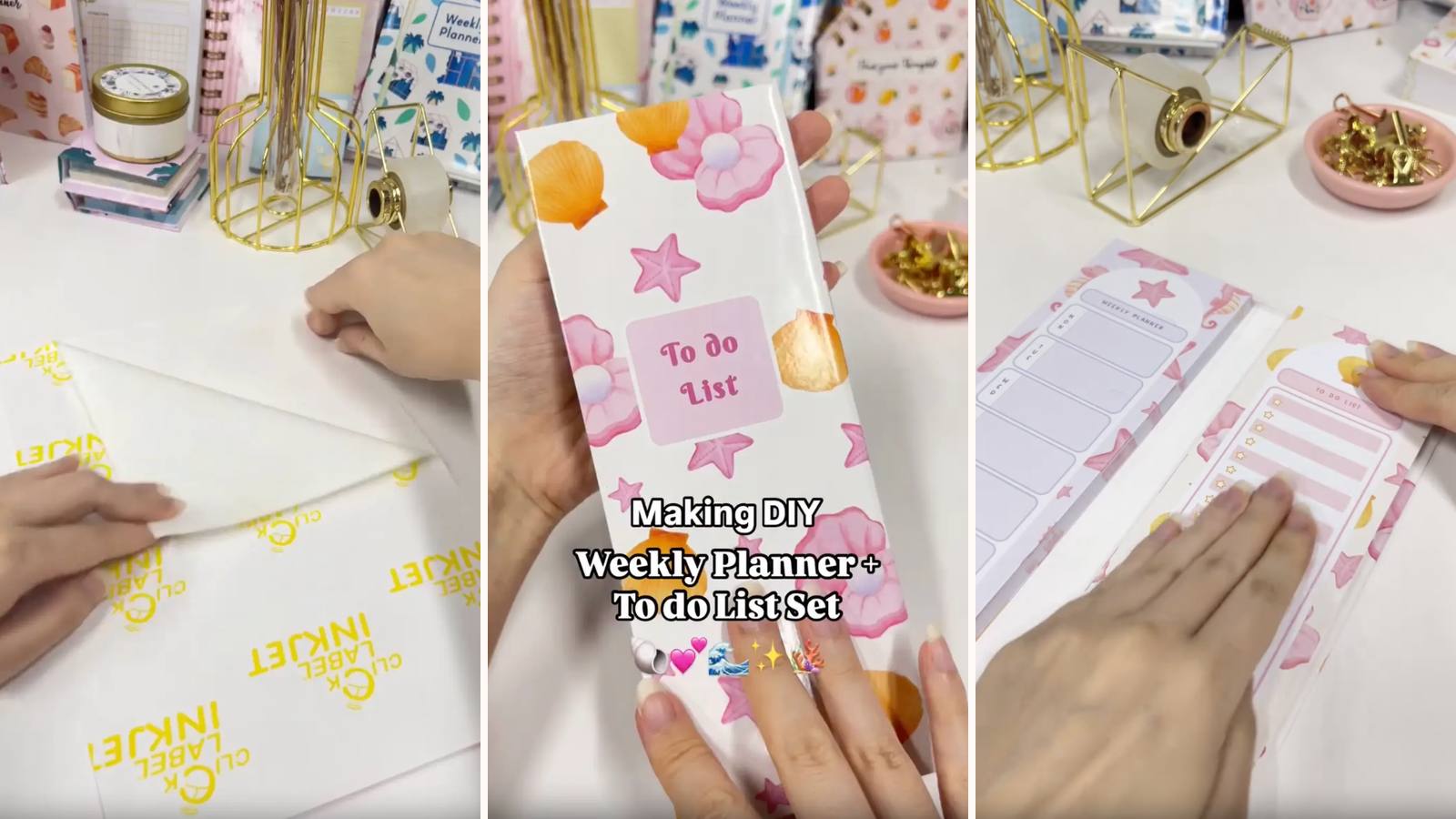
DIY Notepad Set: Weekly Planner and To-Do List with Custom Covers
A matching pair of PVA-bound pads — weekly planner and to-do list — mounted side by side in one folding chipboard cover.
4 min read